
Fixed vs. full-motion TV mounts: which is best for your living room?
- Pay after the job
- Open 7 days
- $5M liability insurance
Fixed or full-motion is the first real decision in any TV mounting job, and it’s the one people most often get backwards — paying extra for articulation they’ll never use, or saving forty dollars on a fixed mount in a room where the TV genuinely needed to swivel. The right answer isn’t about the mount. It’s about your room. Here’s how to read it.
Two or more? Full-motion.
Fixed mounts: flush, cheap, and often the right call
A fixed mount holds the TV flat and flush — typically within an inch or two of the wall. It’s the cleanest look, the cheapest option, and the most structurally simple: fewer moving parts, nothing to sag or loosen over time.
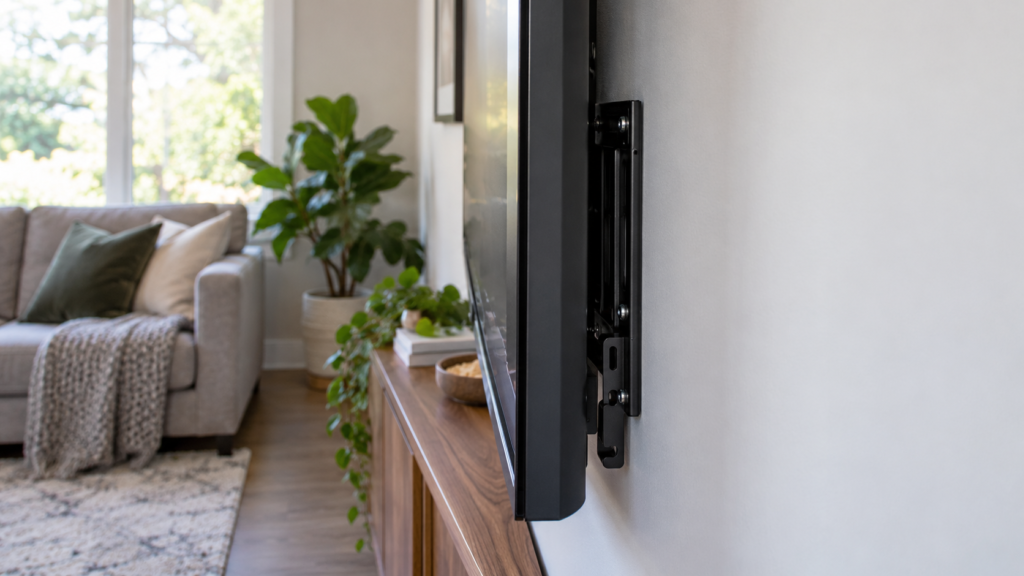
Its one real limitation is the obvious one: the TV points one direction, forever. That’s not a limitation at all in a bedroom facing the bed, or a living room with a single sofa dead-centre on the screen. In those rooms a fixed mount isn’t the budget choice — it’s the correct one.
Tilting mounts: the middle option nobody talks about
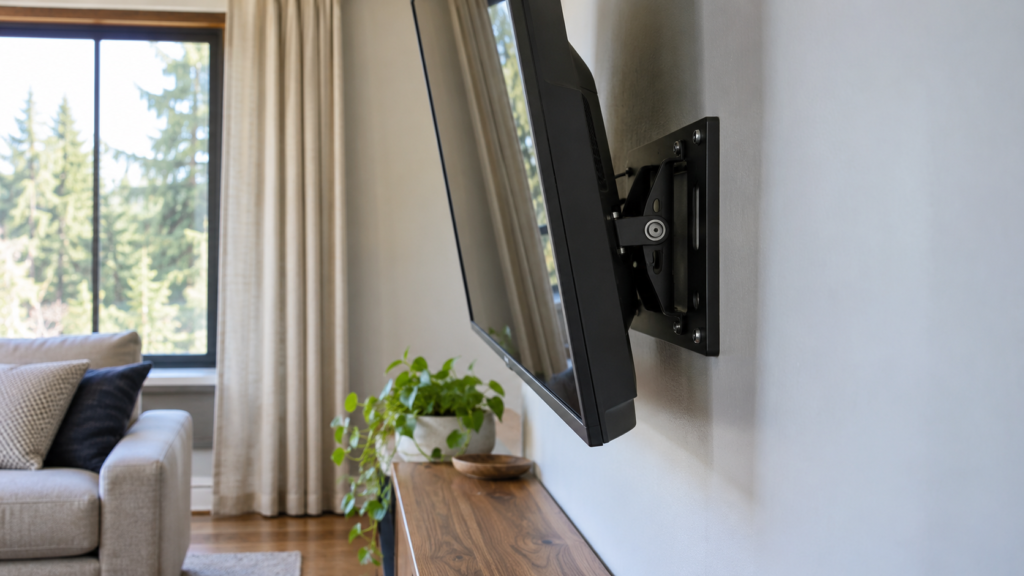
Tilting mounts are the middle option most comparisons skip: same flush profile as a fixed mount, plus a few degrees of downward angle. That small tilt earns its keep in exactly one scenario — a TV mounted higher than eye level, most commonly over a fireplace. Tilting the panel down toward the seating cuts glare from windows and overhead lights and improves the viewing angle without the cost or depth of a full articulating arm.
Full-motion mounts: flexibility at a price
A full-motion mount puts the TV on an articulating arm: it extends away from the wall, swivels left and right, and usually tilts as well. That flexibility is what you’re paying for — typically $30–$80 more than a comparable fixed mount, plus a slightly more involved install because the extra leverage puts more demand on the anchoring.
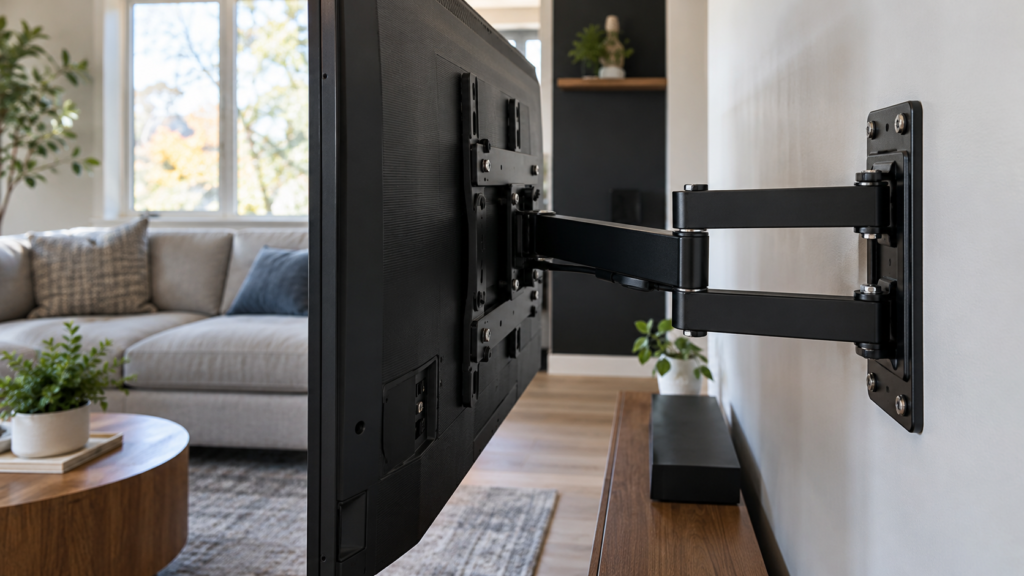
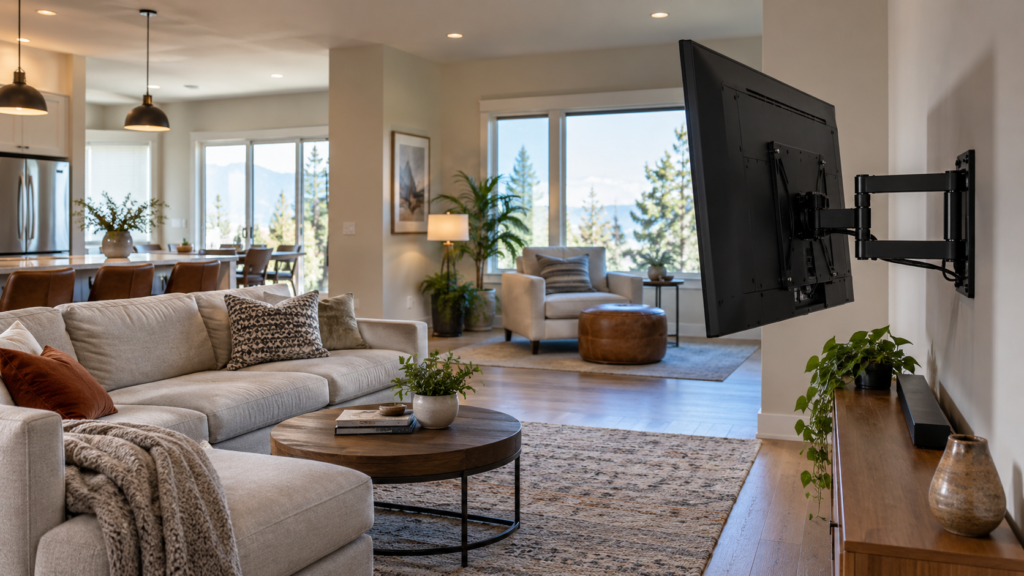
Where it wins: open-concept spaces where the kitchen and living room share one TV, corner installs where the panel needs to angle into the room, and any layout with seating on two sides. Where it’s wasted: a room with one couch and one viewing angle, where the arm will sit folded flat against the wall for the life of the TV.
One honest caveat about weight: the extended arm acts as a lever, so full-motion mounts demand more from the wall anchoring than fixed mounts holding the same TV. On standard wood studs that’s a non-issue with proper installation. On metal-stud condo walls or plaster, it raises the stakes of getting the anchoring hardware exactly right — which is where a professional install earns its fee.
Side-by-side: fixed vs. tilting vs. full-motion
| Fixed | Tilting | Full-motion | |
| Typical mount cost (CAD) | $30–$80 | $40–$100 | $80–$360 |
| Distance from wall | ~1–2" | ~1.5–3" | Extends 6"+ out |
| Best for | One seating angle | Above-eye-level installs | Corners, open-concept |
| Watch out for | No flexibility later | Tilt only, no swivel | Needs stronger anchoring |
Room-by-room recommendations
Bedroom: fixed, almost always — one viewing position, and the flush profile keeps the room feeling uncluttered. Living room, single sofa: fixed, unless the TV sits above a fireplace — then tilting. Open-concept kitchen/living: full-motion, so the same screen serves both zones. Corner install: full-motion by necessity — it’s the only type that angles into the room. Condo with metal studs: either type works, but full-motion raises the anchoring stakes; single-stud full-motion mounts exist specifically for tight condo layouts where spanning two studs isn’t possible.
One check before you buy anything: VESA
Whichever type you land on, confirm the mount matches your TV’s VESA pattern — the standardized bolt spacing on the back panel, measured in millimetres. Most 55″+ TVs use 400×400, but always check your model. A mount with the right weight rating and the wrong pattern simply won’t attach.
Not sure which mount your room needs? We carry both on every job.
Frequently asked questions
Only if your room actually uses the motion — two seating zones, a corner install, or an open-concept layout. In a single-angle room, the extra cost buys nothing.
Quality full-motion mounts installed into proper anchoring don’t. Sagging usually traces back to underrated hardware or anchors that missed the stud — an installation issue, not an inherent flaw of the type.
Yes, with a mount rated for the size and weight, and anchoring that accounts for the extended leverage. Large-format full-motion installs are typically two-technician jobs.
Tilting covers the main need (angling down toward seating) at lower cost. Full-motion adds pull-down or swivel if the room also has side seating — useful, but not required for most fireplace installs.
Slightly — full-motion takes a bit longer to install and align. The bigger price factors are TV size, wall type, and cable concealment. See our full cost guide for the breakdown.