
Security cameras · 6 min read · updated oct 2026
Airbnb Security Camera Rules in Canada for Hosts
By the Pixl Canada install team
Quick answer
Airbnb bans security cameras inside listings worldwide, whether the camera is on, off, disclosed or hidden. Hosts can still use outdoor cameras such as doorbells, but they must disclose them before booking and cannot aim them at areas with extra privacy, such as an enclosed outdoor shower or sauna. In Canada, hidden cameras and audio recording can also break the law.
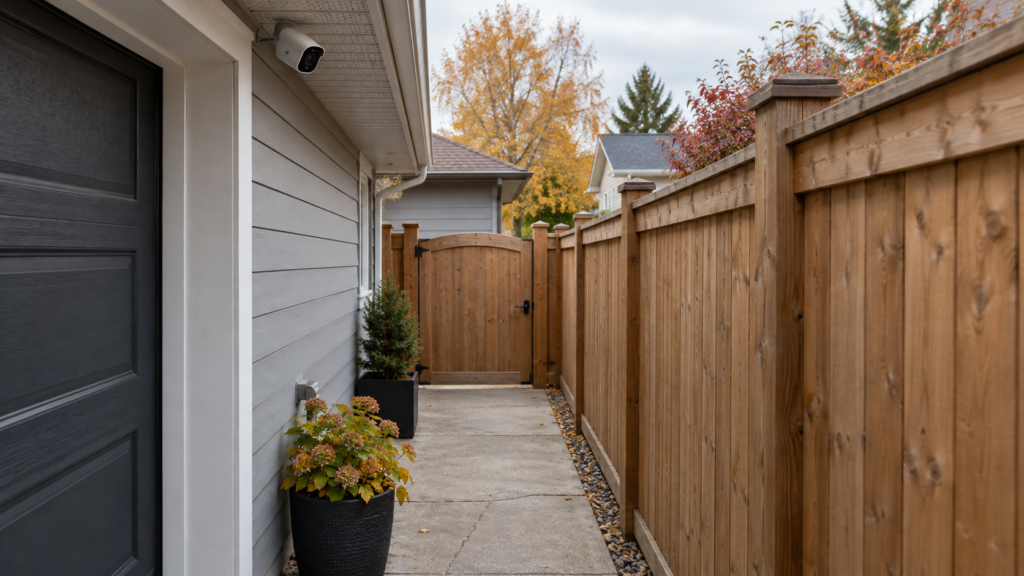
Setting up a rental? A battery video doorbell is $99, wired is $149, and WiFi camera installation starts at $200 for 1 or 2 cameras. See smart home prices
On this page
What Airbnb allows and bans
Airbnb’s current policy covers where cameras and recording devices can go. The company announced its ban on indoor cameras in 2024, with an April 30 deadline for hosts to remove them. Always check the latest wording in the Airbnb Help Centre, because the rules can change. The key page is restrictions on security cameras and other devices in homes, and Airbnb explained the change in an update on our policy on security cameras.
| Device or location | Allowed? | Condition |
|---|---|---|
| Indoor security cameras, any room | No | Banned even if turned off, unplugged or disclosed |
| Hidden cameras anywhere | No | Always prohibited |
| Outdoor cameras and video doorbells | Yes | Disclose them and their general location in the listing |
| Cameras over an enclosed outdoor shower, sauna or similar | No | Areas with a greater expectation of privacy are off limits |
| Noise decibel monitors indoors | Yes | Disclose the monitor; keep it out of bedrooms, bathrooms and sleeping areas |
| Smart home devices | Yes | Disclosure is encouraged |
Airbnb says reported violations are investigated and can lead to removal of the listing or account.
Canadian law on top of Airbnb’s rules
Airbnb’s policy is a platform rule. Canadian law applies separately, and it can be stricter.
- Hidden cameras in private spaces. Secretly recording someone in a place where they expect privacy, such as a bedroom or bathroom, can be voyeurism under the Criminal Code.
- Audio. A camera or monitor that records private conversations can break the Criminal Code interception rules. See our guide to security camera audio recording in Canada.
- Privacy law for businesses. Hosts who run a rental business are generally treated as organizations under private-sector privacy law. That means notice, a clear purpose, limited collection and secure storage. The OPC guidelines for overt video surveillance are a good model.
- Provincial rules and bylaws. Short-term rentals may also face local registration and licensing rules that are separate from camera law.
Where outdoor cameras make sense
- Front door. A video doorbell shows who arrives and when guests check in.
- Driveway or parking. Helps with damage disputes and unauthorized vehicles.
- Entrances to shared yards. Keep the view on access points, not on seating or sleeping areas.
- Not over: hot tubs, saunas, outdoor showers or windows.
Whatever you choose, aim the camera at the access point and use the privacy and motion zones in the app to avoid neighbours’ property. See doorbell camera privacy settings.
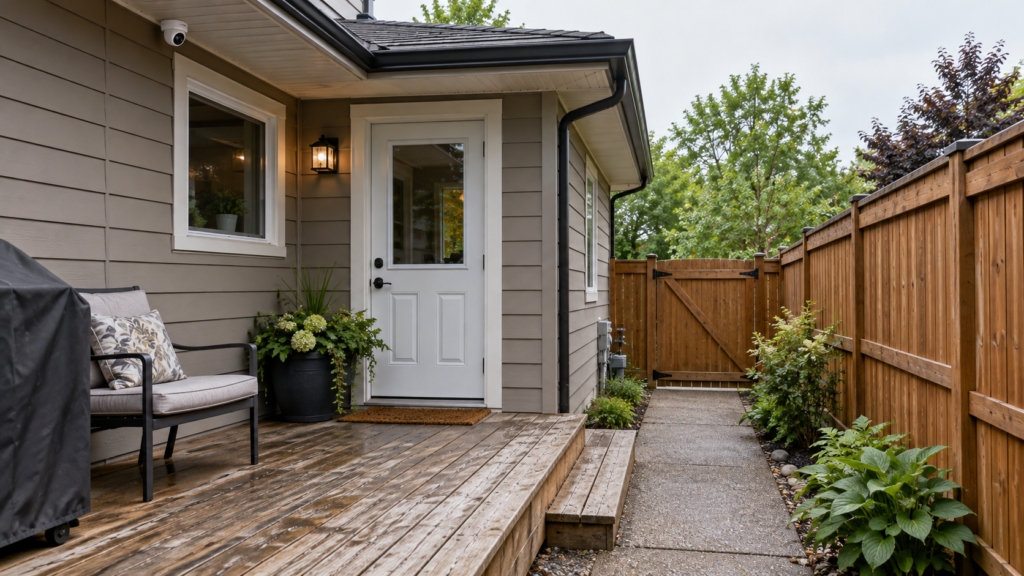
Setting up a rental? A battery video doorbell is $99, wired is $149, and WiFi camera installation starts at $200 for 1 or 2 cameras.
How to disclose cameras in your listing
Airbnb says hosts must disclose outdoor cameras and their general location before guests book. Be specific so there are no surprises. Example wording: “A video doorbell records the front entrance. There are no cameras inside the home.” Use the listing’s house rules or description, and repeat it in your check-in message.
If you list a condo or a unit in a managed building, building cameras are separate from yours. Mention shared-area cameras if you know about them, and check that your building allows short-term rentals.
Alternatives to indoor cameras
Hosts want to protect their property without watching guests. These options are allowed under Airbnb’s current rules, and several do not involve video at all.
| Concern | Option | Notes |
|---|---|---|
| Who arrived and when | Disclosed video doorbell | Keep audio off |
| Extra guests or parties | Noise decibel monitor | Disclosed, not in sleeping areas, measures sound level rather than recording conversations |
| Doors left open | Entry sensors and a smart lock log | Check disclosure expectations |
| Vehicle or property damage | Outdoor camera over the driveway | Aim at your own property |
| Check-in problems | Smart lock with codes per guest | Change codes after each stay |
A host checklist
- Remove any indoor camera, including turned-off and unplugged ones.
- List outdoor cameras and their locations in the listing.
- Turn off audio on every outdoor device.
- Use privacy zones so the view does not reach a neighbour.
- Delete footage you do not need, and protect the account with two-factor authentication.
- Re-read Airbnb’s policy once a quarter.
Setting up a rental and want a doorbell or outdoor camera installed neatly? At Pixl Canada, a battery video doorbell is $99 and a wired video doorbell is $149, before tax, and WiFi camera installation starts at $200 for one or two cameras. You pay after the job. See smart home installation and security camera installation.
Sample listing wording
| Situation | Wording to adapt |
|---|---|
| Doorbell only | A video doorbell records the front entrance. There are no cameras inside the home. |
| Driveway camera | A camera covers the driveway and parking pad for security. There are no cameras inside the home or in the backyard. |
| Noise monitor | A noise monitor in the living room measures sound levels only. It does not record audio. |
| No devices | There are no security cameras or recording devices at this property. |
Only claim what is true. If you add a device later, update the listing before the next booking.
Guests: how to check for hidden cameras
Hosts who follow the rules make this unnecessary, but guests who feel uneasy can take a few quick steps. None of these is a guarantee.
- Look at smoke alarms, clocks, USB chargers and anything pointing at the bed or shower that seems out of place.
- Turn off the lights and use a phone flashlight to look for small lens reflections.
- Check the WiFi network with a network-scanning app for unfamiliar camera devices.
- Report concerns to the platform and keep photos. If you believe a crime has occurred, contact police.
If a guest complains about a camera
- Reply quickly and politely, and confirm what is installed and where.
- Show the disclosure in the listing.
- If the camera is not disclosed or covers a private area, remove or reposition it and update the listing.
- Do not argue about the platform rules; follow them.
Frequently asked questions
Can an Airbnb host have cameras in Canada?
Outdoor cameras are allowed if disclosed in the listing. Indoor security cameras are not allowed on Airbnb, whether visible, hidden, turned off or unplugged.
Can I have a doorbell camera at my Airbnb?
Yes. Airbnb allows doorbell cameras and similar outdoor devices if you disclose them and they do not watch private outdoor areas.
What happens if I keep an indoor camera?
Airbnb says violations can lead to listing or account removal. In Canada, a hidden or private-space camera can also create criminal and civil risk.
Do I have to tell guests about outdoor cameras?
Yes. Airbnb requires hosts to disclose the presence and general location of outdoor cameras before booking.
Can I use a noise monitor?
Airbnb allows noise decibel monitors indoors if you disclose them and keep them out of bedrooms, bathrooms and sleeping areas. Use one that measures sound levels, not one that records conversations.
Do these rules apply to other rental platforms?
Each platform has its own rules. Check the policy of any site you use. The Canadian legal points apply on every platform.
This guide explains general rules and is not legal advice. Platform policies change, so check the latest version before you rely on them.
Ready to book? Setting up a rental? A battery video doorbell is $99, wired is $149, and WiFi camera installation starts at $200 for 1 or 2 cameras.
Written by the Pixl Canada install team: licensed technicians with $5 million liability insurance, installing TVs, security cameras, smart home devices and appliances across Canada.
Keep reading
Doorbell camera privacy settings
Zones, audio, retention
Do you need a security camera sign?
Notice rules
Security camera audio law
Why audio is risky