
Smart devices · 7 min read · updated oct 2026
Doorbell Camera Facing the Street or a Neighbour: Privacy Rules
By the Pixl Canada install team
Quick answer
A doorbell camera that sees the sidewalk and the street from your own front step is normally fine in Canada. Trouble starts when it watches a neighbour’s door, window or yard, or when it records audio. Aim it at your own property, block other areas with a privacy zone, turn audio off and keep footage only as long as you need it.
Want it mounted level and set up with the right zones? Battery video doorbell installation is $99 and wired is $149. See smart home prices
What a doorbell camera can legally see
People in public spaces have a lower expectation of privacy than people in their homes. A doorbell camera that captures the part of the sidewalk, street or driveway visible from your front door is a common, accepted setup. Cities often say the same thing. The City of Toronto, for example, states that it does not regulate security cameras on private residential properties and instead offers best practices, including aiming at your own property and not capturing footage or sound beyond your boundaries.
| What the camera captures | Risk level | What to do |
|---|---|---|
| Your front step, porch and door | Low | This is the purpose of the camera |
| The sidewalk and street in front of your house | Low | Normal for a doorbell; limit motion alerts to reduce clutter |
| A neighbour’s driveway at the edge of the frame | Medium | Narrow the angle or add a motion zone |
| A neighbour’s front door or window | High | Change the angle or add a privacy zone |
| A neighbour’s backyard, pool or bedroom | Very high | Do not point a camera there |
| Conversations on the sidewalk or next door | Very high | Turn audio off; interception can be a Criminal Code offence |
For the provincial legal picture, read can my neighbour’s camera point at my house. For the audio rules, see security camera audio recording in Canada.
Step 1: check the field of view before you drill
Most doorbell problems come from an angle that was never tested. Before you mount, hold the doorbell at the final height and open the live view.
- Stand at the door and check live view for the top, left and right edges.
- Note every window, door or yard that appears in the frame.
- Check at night too; infrared can show more than you expect.
- Use a wedge or corner mount if the doorbell is looking sideways at a neighbour.
Step 2: use privacy and motion zones
Most video doorbells let you hide or ignore parts of the picture. These are different tools, and mixing them up is common.
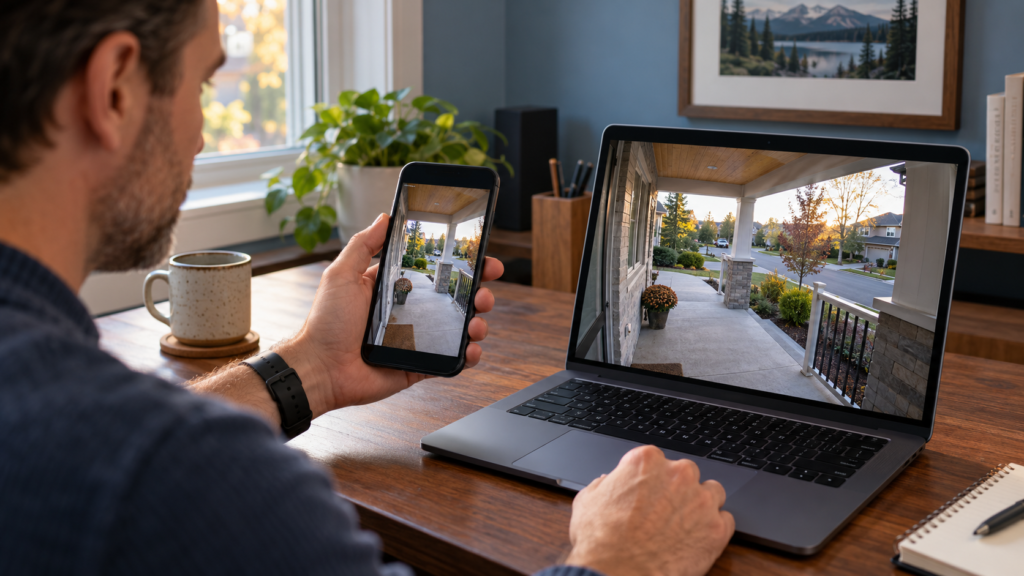
- Privacy zones block an area from live view and recordings. In Ring’s help centre, privacy zones are described as areas that are blocked in both live and recorded video, with up to two per device on supported models. Ring notes that motion can still be detected in a blocked area, and that footage already recorded cannot be unblocked.
- Motion zones only decide what triggers alerts and recordings. Ring says activity outside your zones will not trigger alerts, but live view still shows the full field of view.
The best setup uses both: a privacy zone for the neighbour’s door or window, and motion zones that cover only your porch, walkway and the edge of the street. See Ring’s privacy features help page and motion zones help page for the menu steps for your model. Other brands offer similar zones; check your app’s privacy settings.
Want it mounted level and set up with the right zones? Battery video doorbell installation is $99 and wired is $149.
Step 3: turn off audio
Audio is the biggest legal risk with a doorbell. A microphone on your porch can pick up the conversation of someone walking past or a neighbour at their own door. In the Ring app, you can turn off audio streaming and recording in the privacy settings, and most other doorbells have the same switch. Turn it off unless you have a specific reason to record sound and understand the law.
Step 4: limit how long you keep footage
The less footage you keep, the less trouble you can cause. The City of Toronto suggests deleting recordings regularly, storing them securely and limiting user access. It also notes that the Information and Privacy Commissioner of Ontario suggests 72 hours for the institutions it oversees; that number is not a rule for homeowners, but it is a useful starting point if you do not need older footage. Use a strong password and two-factor authentication so no one else can open your feed.
Step 5: tell your neighbours
A short conversation prevents most disputes. If a neighbour is worried, show them the live view and offer to add a privacy zone. In Toronto, the City points neighbours to free community mediation when talking directly does not work. If a neighbour’s camera bothers you, our guide on what to do walks through the steps.
Common doorbell setups and fixes
| Problem | Likely cause | Fix |
|---|---|---|
| Camera shows neighbour’s door | Doorbell is on the side of the door nearest the neighbour | Use an angle bracket or a privacy zone |
| Constant alerts from the street | Motion zone covers the road | Shrink the zone to the porch and walkway |
| Neighbour complains about sound | Audio recording is on | Turn off audio streaming and recording |
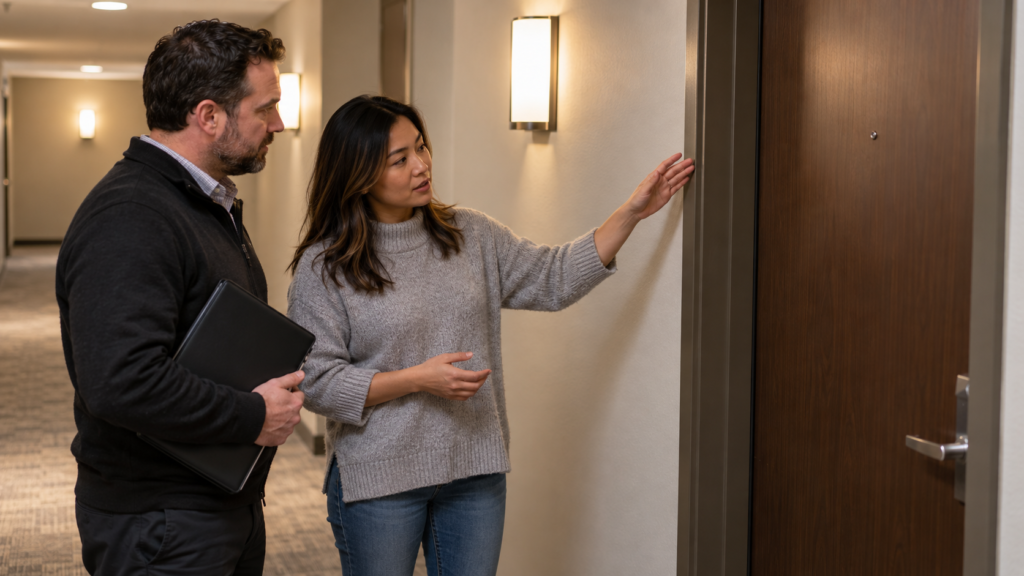
| Camera sees into a condo hallway | Unit door faces a shared corridor | Check strata rules and add a privacy zone |
| Footage shows people at a shared gate | Camera is too wide | Move it, narrow the view or use a privacy zone |
In a condo or rental, building rules may add limits on cameras facing shared spaces. Read doorbell cameras in Canadian condos and landlord and tenant camera rules.
Do you need help with the install?
A doorbell that is level, tested at night and set up with the right zones is easy to live with. At Pixl Canada, a battery video doorbell installation is $99 and a wired video doorbell is $149, before tax, and you pay after the job. Not sure which power type to choose? See wired vs battery video doorbell. See smart home installation prices or our Ring doorbell installation guide if you would rather do it yourself.
Install-day checklist
- Pick a mounting height of about 1.2 to 1.5 metres unless the manufacturer states otherwise, then test the view.
- Check live view at every edge, in daylight and after dark.
- Set privacy zones for any neighbour door, window or yard that appears.
- Limit motion zones to your porch, walkway and the edge of the street.
- Turn off audio recording and streaming.
- Name the device clearly, add two-factor authentication and review who has shared access.
- Pick the shortest history that suits you, and delete clips you do not need.
Frequently asked questions
Can my doorbell camera record the street?
Generally yes, if it sits on your property and records what is visible from your front door. Keep the view focused on your own entrance and avoid capturing neighbours’ doors, windows and yards.
Can I record a neighbour with my doorbell camera?
Incidentally catching a neighbour walking past is normal. Aiming at their door or window, or recording their conversations, is not. Use privacy zones and turn off audio.
Do I need a sign for my doorbell camera?
Not by general law for a private home, but the City of Toronto suggests a small sign near the camera as good practice. Landlords and businesses are expected to give notice. See our guide on whether you need a security camera sign.
What is the difference between a privacy zone and a motion zone?
A privacy zone blocks an area from the picture. A motion zone only controls what triggers alerts. Use both for the best result.
Can a neighbour make me move my doorbell camera?
A neighbour can complain, ask you to adjust it, use mediation, or in serious cases bring a legal claim. Fixing the angle and adding a privacy zone usually ends the dispute quickly.
How long should I keep doorbell footage?
Only as long as you need it. Many people keep a few days. Delete anything you do not need, and save only clips you may use to report an incident.
This guide explains general rules and is not legal advice. Rules differ by province and city.
Ready to book? Want it mounted level and set up with the right zones? Battery video doorbell installation is $99 and wired is $149.
Also read doorbell cameras without a subscription. Written by the Pixl Canada install team: licensed technicians with $5 million liability insurance, installing TVs, security cameras, smart home devices and appliances across Canada.
Related articles