
How to Change WiFi Name and Channel: Steps for TP-Link, NETGEAR, Rogers, TELUS and Bell
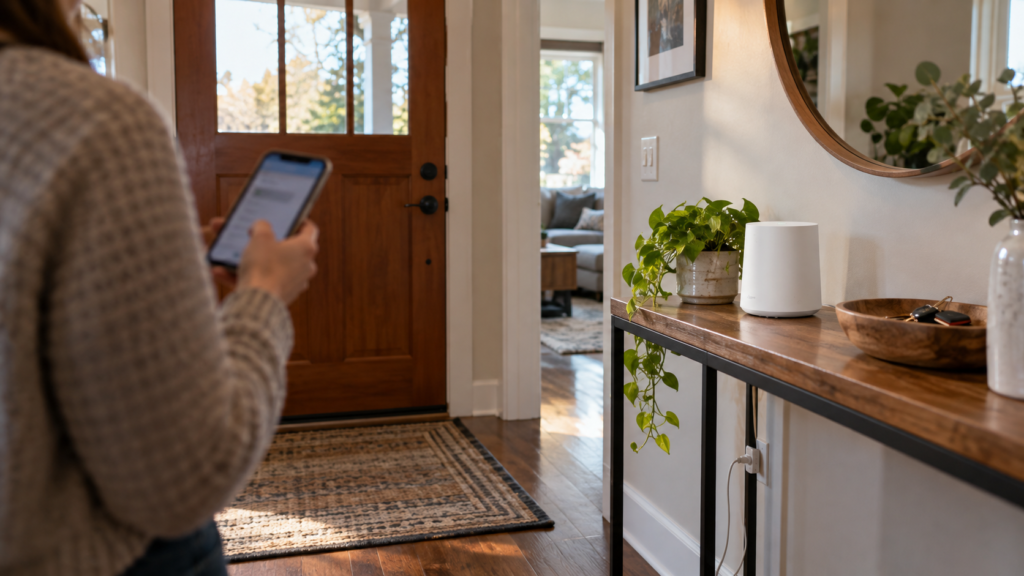
To change your WiFi name, log in to the router’s admin page or app, open the Wireless settings, type a new name (SSID), save and rejoin every device. To change the channel, leave Auto on unless you see drops; on 2.4 GHz use 1, 6 or 11. A new name means reconnecting devices; a channel […]
Best WiFi Router in Canada: How to Choose by Home, Plan and Spec Sheet
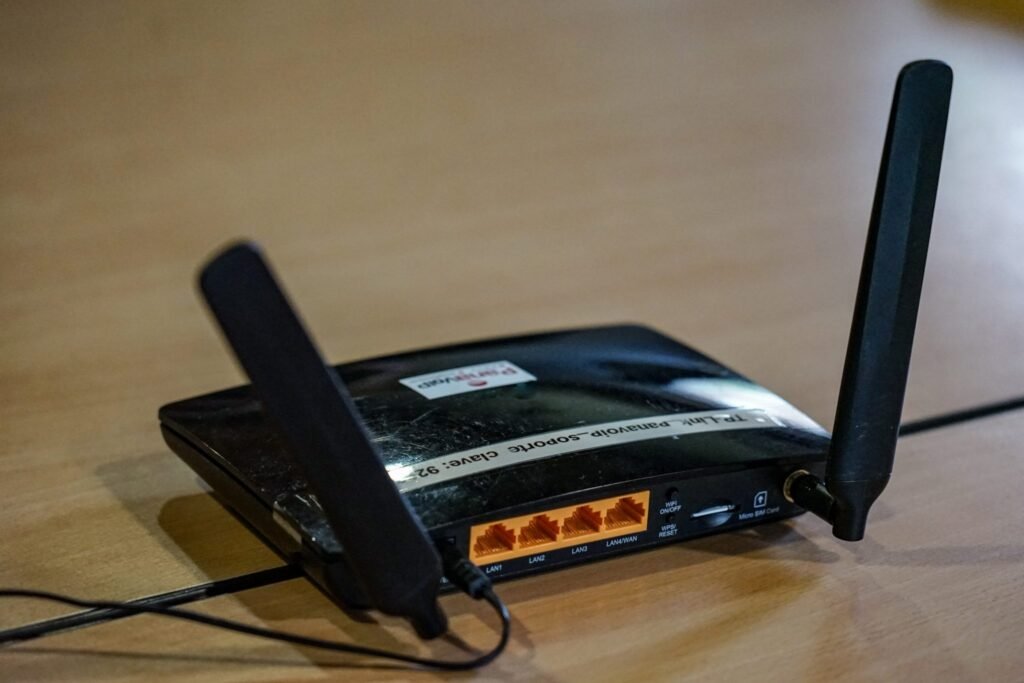
The right WiFi router for a Canadian home depends on four checks: a WAN port at least as fast as your internet plan, WPA3, security updates still being issued, and a WiFi generation your devices can use. One router fits a condo; mesh suits several floors. Pixl Canada sets up what you buy from $129. […]
Best WiFi Extender, Mesh WiFi and Router in Canada: How to Choose
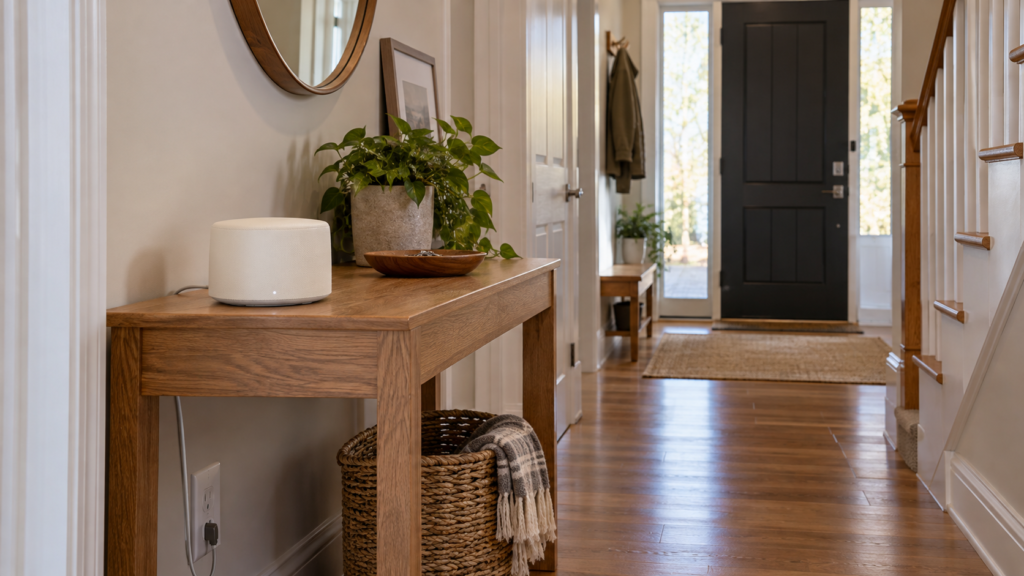
Choose a WiFi extender for one weak room, a mesh system for a whole home or several floors, and one good router for a condo or small home. Compare on six points: units for your walls, the link between units, an Internet port that matches your plan, WiFi generation, updates and total cost. Setup with […]
Why Is My WiFi Slow or Disconnecting? How to Fix It
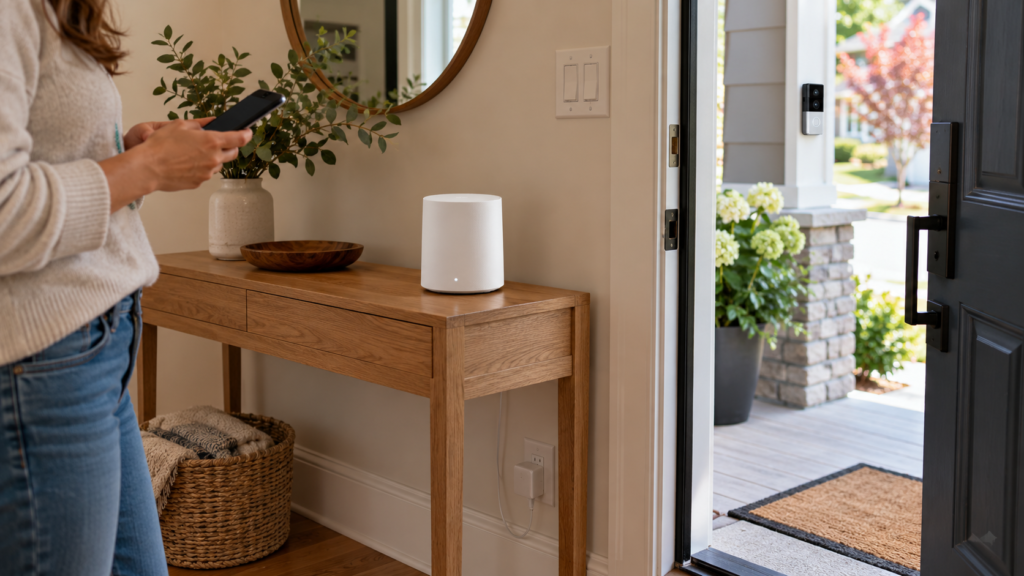
To fix slow or dropping WiFi, test speed three times: with a cable at the modem, on WiFi next to the router, and in the slow room. A slow cable test points to your provider or plan, a slow far room points to signal, and drops for everyone at once point to a restart, overheating […]
How to Set Up a Router: 8 Steps for Canadian Homes
To set up a router, power off the modem, connect it to the router’s Internet (WAN) port, power the modem on and wait about two minutes, then power on the router. Open the maker’s app or the address on the label, follow the wizard, set a new admin and WiFi password with WPA2 or WPA3, […]
How to Find and Share Your WiFi Password on iPhone, Android, Windows and Mac
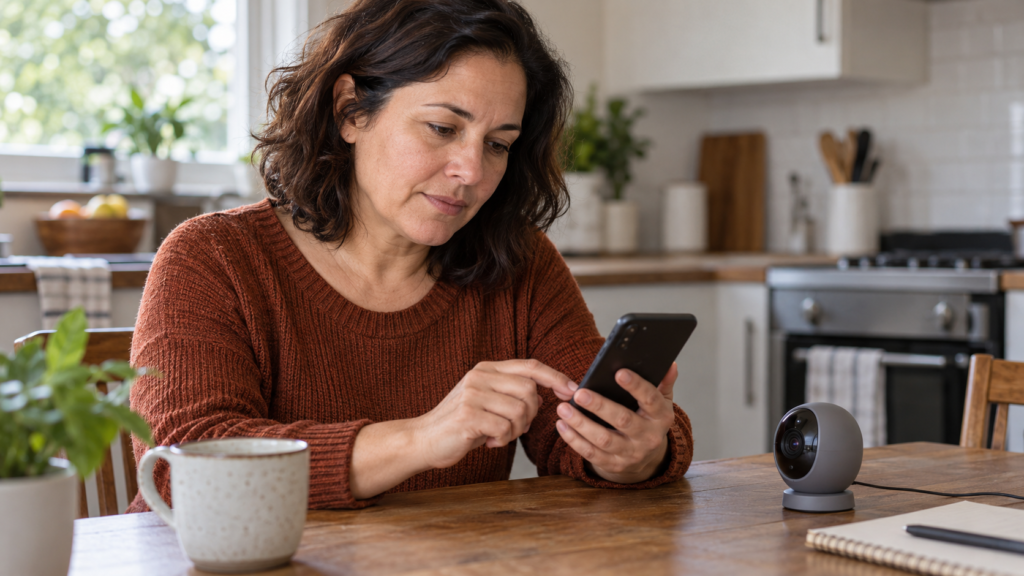
To find your WiFi password on an iPhone with iOS 16 or later, open Settings, tap Wi-Fi, tap the info button beside your network, tap Password and confirm with Face ID or your passcode. On Android, tap the gear beside your network and choose Share. On Windows and Mac, look in WiFi settings. Anywhere else, […]
How to Improve WiFi Signal: 8 Fixes in Order, Free Ones First
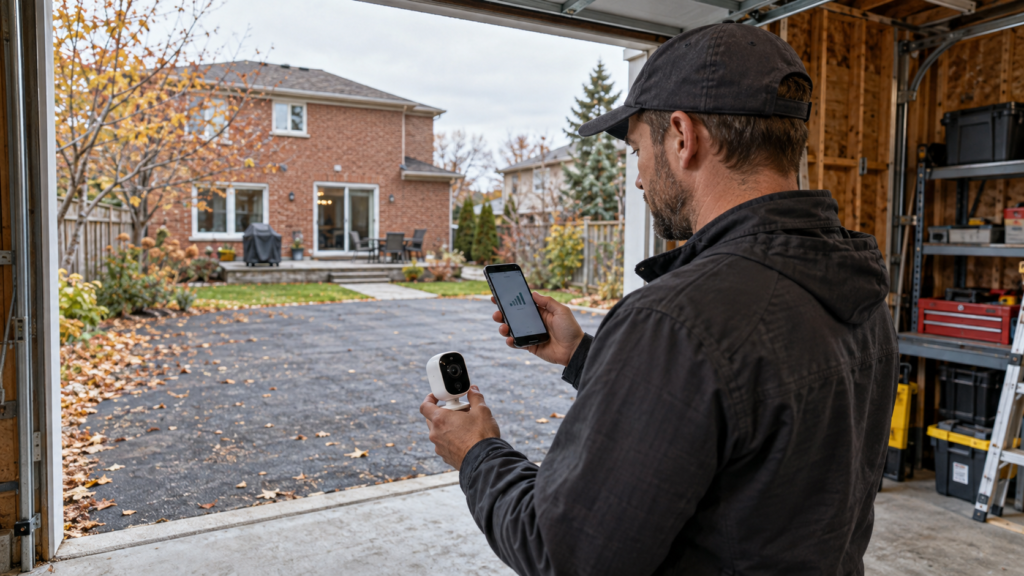
To improve WiFi signal, move the router to a central, open, raised spot away from microwaves and metal, restart it and update the firmware, then test each room. If one room is still weak, add a mesh node or extender about halfway between the router and that room, not inside it. Most of these steps […]
How to Reset a Router: Restart vs Factory Reset and What You Lose
To reset a router, restart it first: unplug it for about 30 seconds, plug it back in and wait a few minutes. A restart keeps all your settings. A factory reset uses the recessed button, held about 7 to 10 seconds on NETGEAR and TP-Link and up to 30 seconds on some provider modems. It […]
Smart Home for Seniors and Aging in Place in Canada
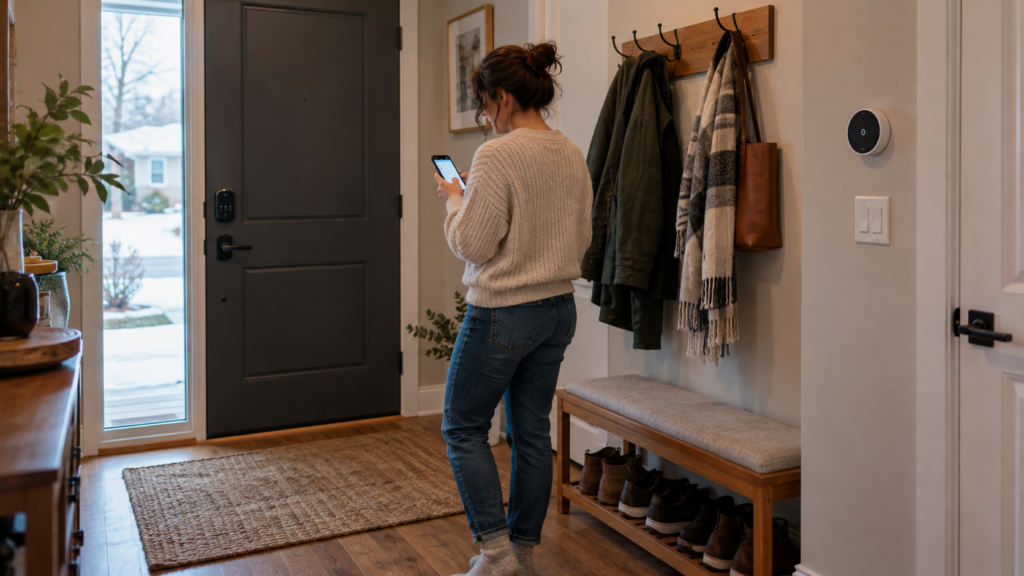
Pixl Canada installs the devices that make a home easier to run at any age: a video doorbell from $99, a smart thermostat for $129, home WiFi from $129, a WiFi camera for $89 and a keypad lock quoted from a photo. A doorbell, thermostat and WiFi set is $357 before tax. We do not […]
eero, Orbi and Deco WiFi Setup Service in Canada
Pixl Canada sets up the eero, Orbi or Deco mesh WiFi system you bought from $129 before tax. We connect the first unit to your modem, place the other nodes, set your network name and password, move your devices over and test the rooms that matter. The system is bought separately, and you pay after […]