
WiFi for Airbnb and Short-Term Rentals in Canada: Guest Network, Bandwidth and Security
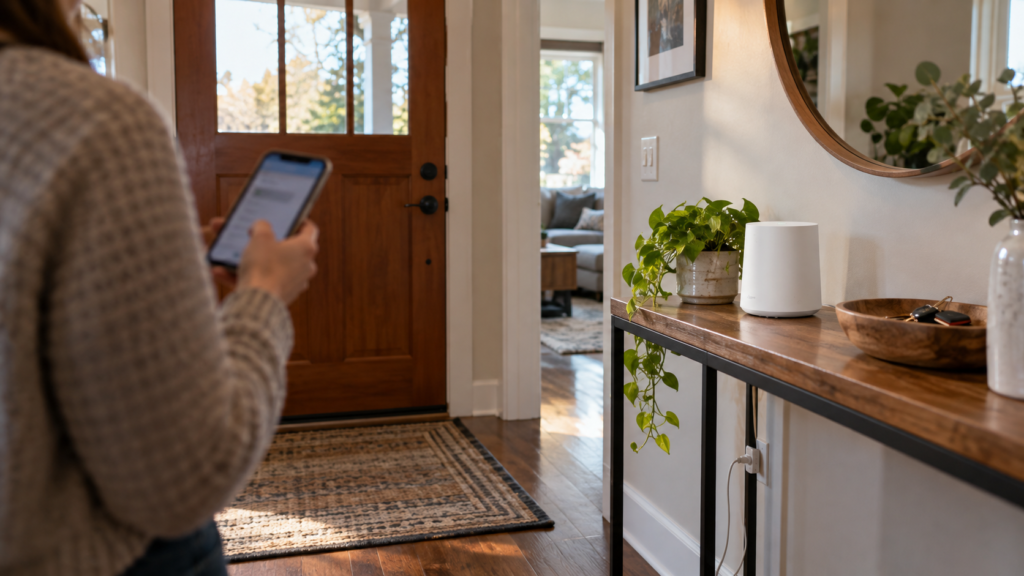
A short-term rental needs a guest network, enough bandwidth for the busiest booking and a way to get the router back online without a visit. As a planning estimate, 4 guests with 2 streams of 4K video and 2 video calls need about 48 Mbps, so plan for roughly 75 Mbps with headroom; a 6-guest […]
Which Smart Thermostat for Your Heating System? Furnace, Heat Pump, Boiler or Baseboard in Canada
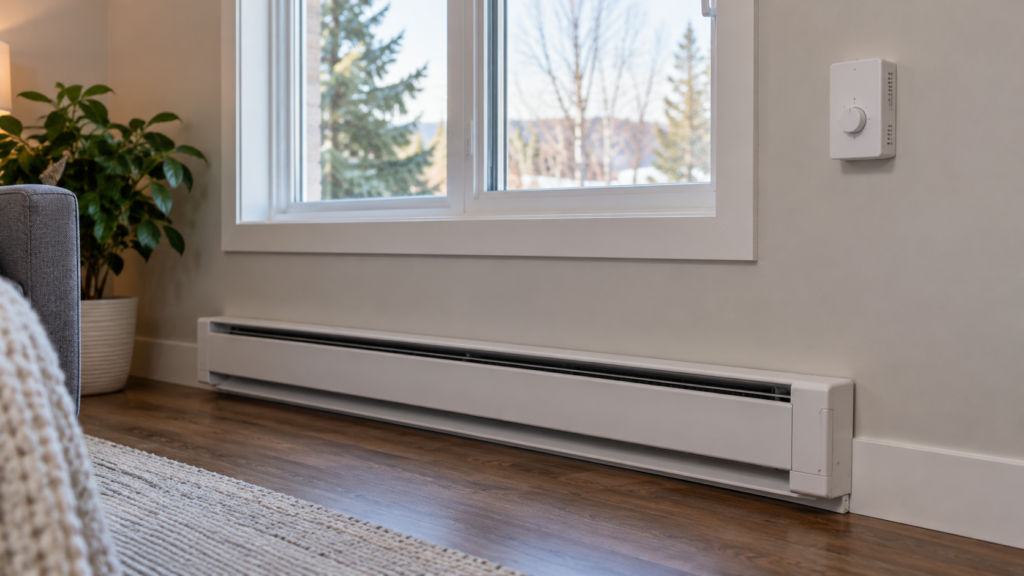
The heating system decides the thermostat: a furnace, heat pump or boiler on 24-volt wiring takes a standard smart thermostat, while electric baseboard heaters on 120 or 240 volts need a line-voltage smart thermostat that is wired as electrical work. Google’s own compatibility page lists electric baseboard heaters as incompatible with Nest thermostats. Pixl’s published […]
WiFi in a Condo or Apartment in Canada: Channels, Interference and Router Placement
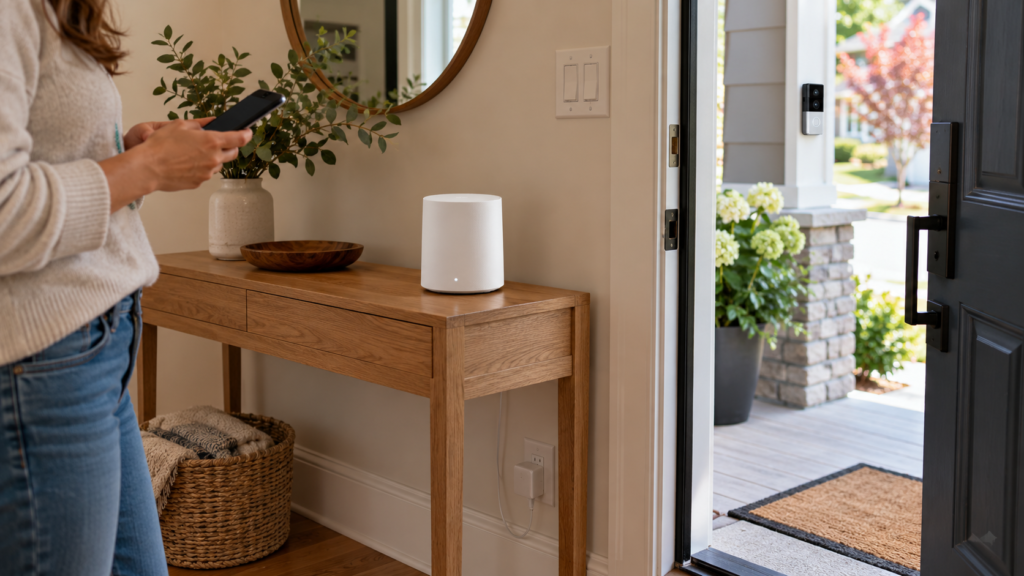
In a condo or apartment, slow WiFi usually comes from neighbouring networks sharing the same channels, not from weak internet. Fix it by choosing a clean channel and a narrow channel width, moving the router out of the media panel closet, and using the 5 GHz or 6 GHz band for devices close to the […]
Do You Need a Smart Home Hub? Hub, Border Router or No Hub, and What Happens When the Internet Fails
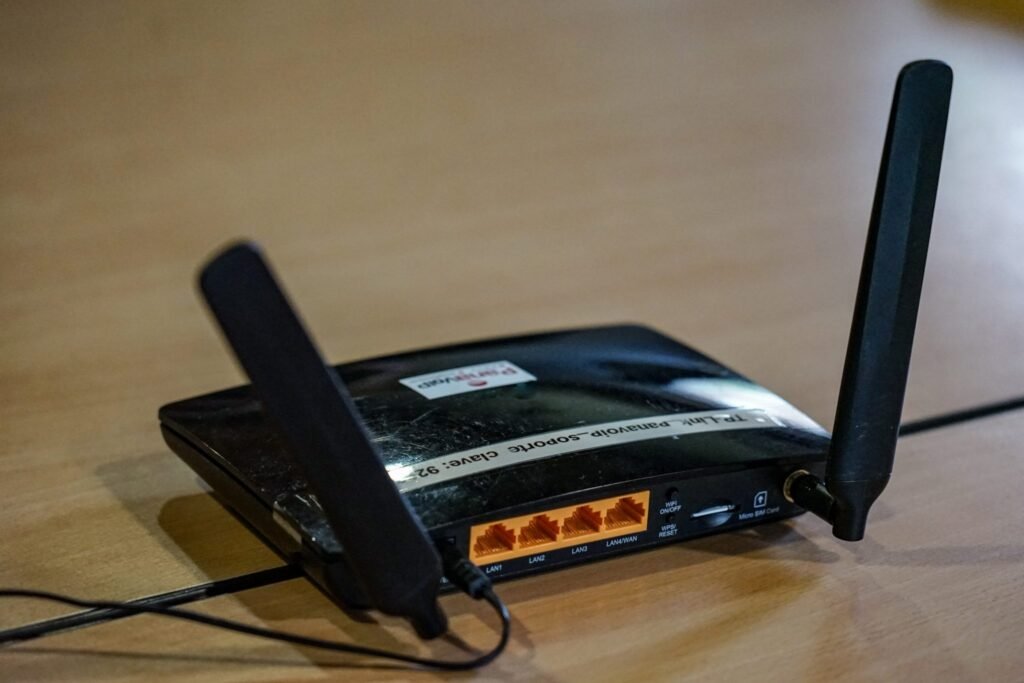
Most homes starting with a WiFi lock, video doorbell and smart thermostat do not need a hub. You need one when you add Zigbee, Z-Wave or Thread devices, want devices to work locally without the internet, or want everything in one app. A hub-capable speaker or display costs about $60 to $250. If the internet […]
Guest WiFi and a Separate Network for Cameras and Smart Devices: Setup Guide for Homes and Businesses
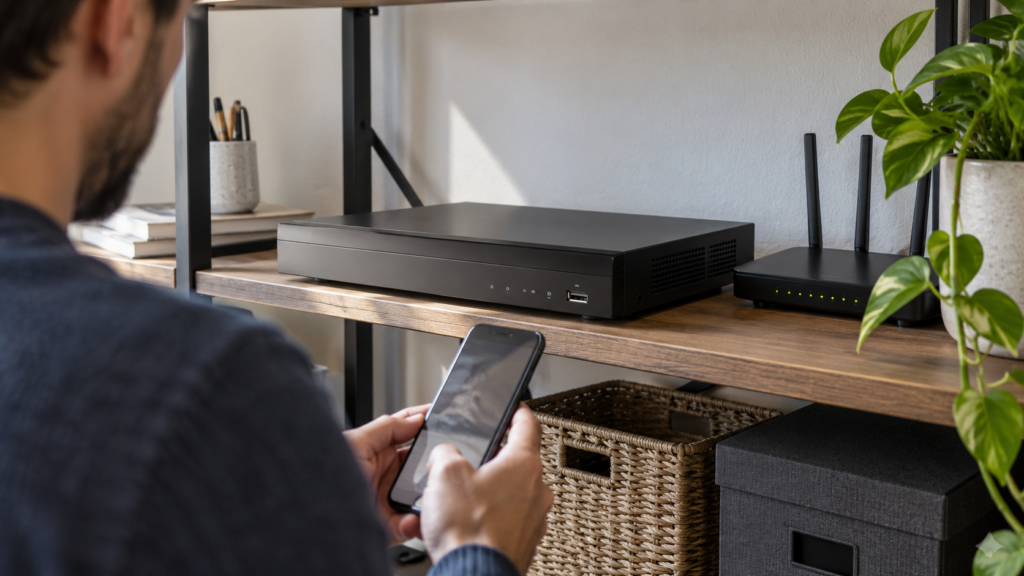
Set up three networks: one for your own phones and computers, one for guests and one for cameras and smart devices. Guests and cheap smart gadgets then cannot reach your laptops, printers or payment devices. Most home routers and mesh kits offer a guest network in minutes; a true separate camera or IoT network needs […]
Matter and Thread Explained for Buyers in 2026: What They Do and What to Buy

Matter is a shared language that lets smart home devices work in more than one app, and Thread is a low-power mesh network that many Matter devices use to reach a hub. Matter runs over Wi-Fi and Thread, can control devices locally on your home network, and in version 1.5 (released November 20, 2025) added […]
Google Home vs Alexa vs Apple Home vs SmartThings: Which Smart Home Ecosystem to Build On in Canada
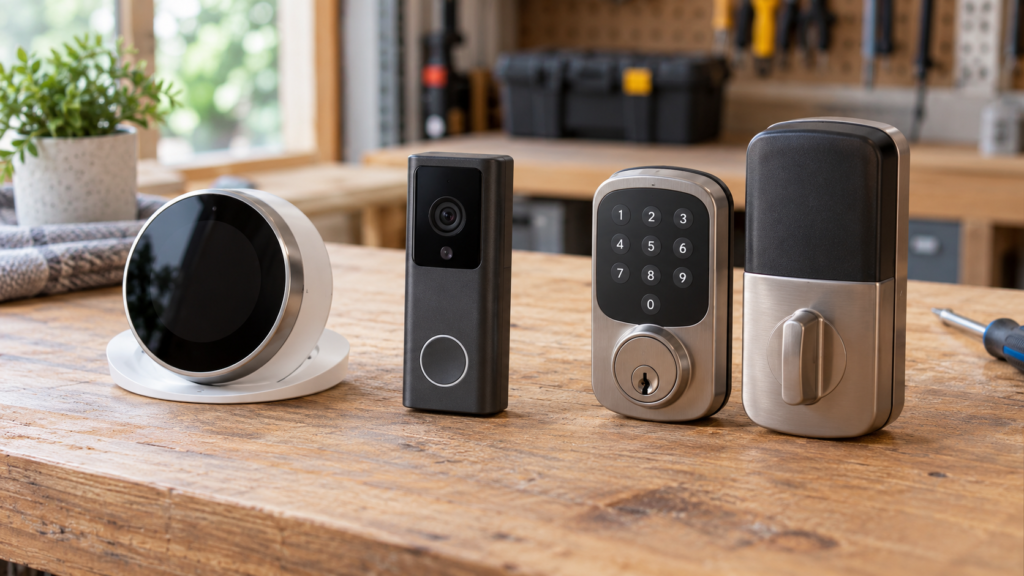
Pick the smart home app your household already has the phones for. Apple Home needs iPhones, Google Home and Alexa work on iPhone and Android, and SmartThings suits homes with Samsung appliances or Zigbee and Z-Wave devices. Since Matter lets one device work in several apps, the choice is less locked in than it used […]
WiFi 6 vs WiFi 6E vs WiFi 7: What to Buy in Canada in 2026
For most Canadian homes on a plan of 1 Gbps or less, WiFi 6 is enough; WiFi 6E helps in crowded condos and apartments that can use the 6 GHz band; WiFi 7 pays off with multi-gigabit plans, wired links between units and newer devices. A calculated link-rate table below shows that a 1 Gbps […]
Video Doorbell or a Separate Entry Camera? How to Choose for Your Door, WiFi and Budget
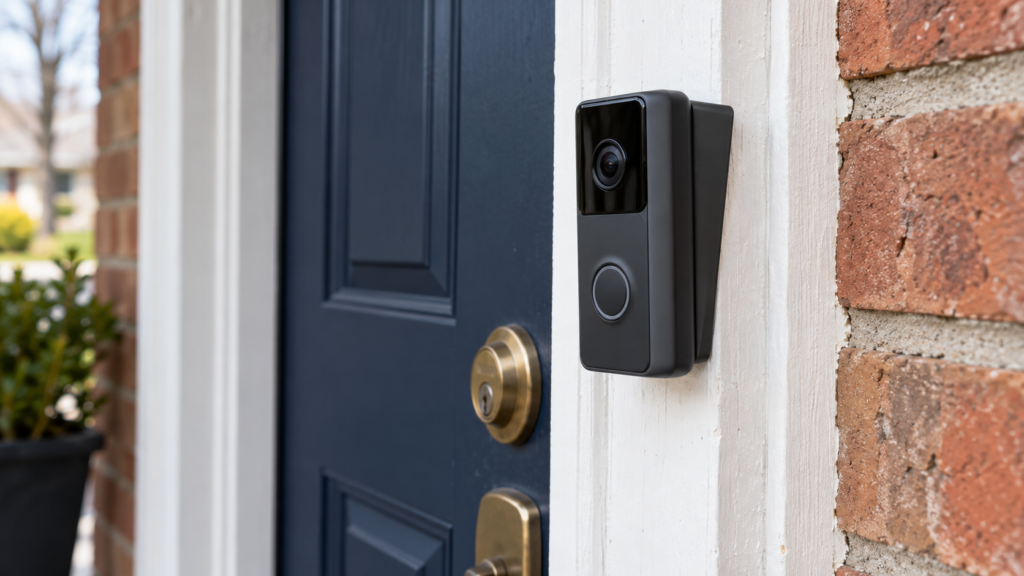
Choose a video doorbell when you want the button, chime and camera in one spot and the door has room beside it. Add or choose a separate entry camera when the doorbell cannot see the steps, the driveway or a side door. With Pixl’s published install prices, a doorbell alone is $99 (battery) or $149 […]
Access Points vs Mesh WiFi: Which Fits Your Home or Business?
Mesh WiFi is the lower-cost option with no new cable; wired access points are steadier but need a network cable to every spot. For a three-unit home, a calculated market estimate is $550 to $1,150 for wireless mesh, against $1,300 to $3,150 for three wired access points with new cable drops, or $800 to $1,950 […]