
Pixl Canada mounts and connects TVs and displays in offices and meeting rooms: a wall display for a boardroom, a screen in reception, or several across a floor, with the cables hidden, a free walkthrough and written quote, and payment after the job. We mount the screen, run and hide the HDMI and power, connect your devices and test the setup. We do not supply the video-conferencing software or write content. Send photos to (587) 899-7495.
PCBy the Pixl Canada install team. Updated . 5 min read. Prices in Canadian dollars, before tax.
- Free walkthrough and written quote
- Meeting rooms and reception screens
- Hidden HDMI and power
- Pay after the job
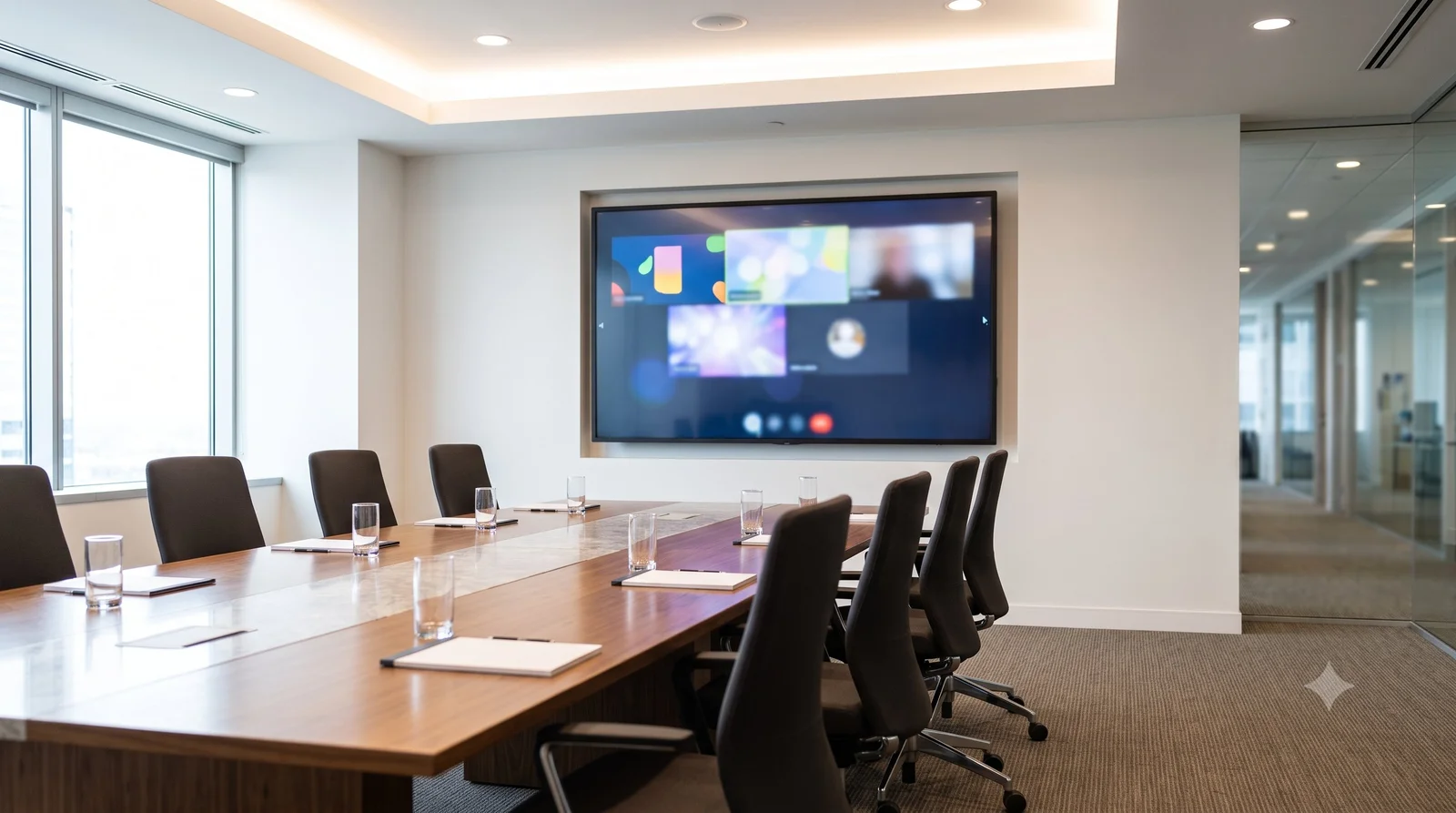
- Size the screen to the room and the farthest seat.
- Plan HDMI, power and any network point at the screen before the wall is chosen.
- Mount at a height where the whole table can see it.
- Hide cables in the wall or a raceway so tables and chairs stay clear.
What size screen does a meeting room need?
Size depends on the room and the farthest seat. Use the screen size calculator logic in how to measure TV size and the viewing guidance in best TV viewing distance. Pick the screen first, then we plan the mount.
| Room | Typical approach |
|---|---|
| Small huddle room | One wall-mounted screen, HDMI from a laptop or wireless device |
| Boardroom | A large wall display, often with a soundbar or speakers |
| Reception | A screen for a welcome message or schedule |
| Open office | Several screens at set points, one cable plan |
What should you prepare before an office TV installation?
| Item | Why |
|---|---|
| Screen size or model | Decides the mount and the number of people needed |
| Photo of each wall | Shows wall type and the cable route |
| Power and network at the screen | A screen needs power, and some need a network cable |
| Devices to connect | Laptops, video bars, wireless presentation devices and cables |
| Access times | Quiet hours help in busy offices |
See hiding TV wires and connecting a laptop to a TV.
How does an office TV installation work?
- Book the walkthrough and send photos.
- We check walls, height, power and cable routes.
- Get a free written quote.
- We mount, wire and connect your devices, and test the setup.
- You pay after the job.
Office and conference room TV installation: frequently asked questions
Can you mount a TV in a conference room?
Yes. We mount it, hide the cables and connect your devices.
Do you set up video-conferencing software?
No. We mount and connect the hardware you choose.
Can you hide the HDMI and power cables?
Yes, inside the wall, in a raceway or through an existing channel.
How much does it cost?
Each project is quoted in writing after a free walkthrough.
Can you install after hours?
Ask when you book. We can discuss timing at the walkthrough.
When do I pay?
After the job.
Book a free walkthrough
Send photos of each wall. Free written quote. You pay after the job.
Pixl for businesses
Office security cameras
Hide TV wires
Small business WiFi setup
Digital signage and menu board installation
Church and hall AV installation
Classroom and training room installation
Sources and method. Based on Pixl’s commercial TV process. Projects are quoted individually.
About Pixl Canada. Pixl Canada is an installation company based in Edmonton, Alberta, serving cities across Canada with TV mounting, security cameras, appliance installation and smart home setup. Call or text (587) 899-7495. Open Monday to Saturday 8am to 8pm and Sunday 9am to 7pm.