
Smart home · 7 min read · updated sep 2026
C Wire Thermostat Guide: What It Is and What to Do Without One
By the Pixl Canada install team
Quick answer
A C wire (common wire) gives your thermostat a constant 24 V power supply. Most smart thermostats, including Nest and ecobee models, work best with one. If you do not have a C wire, you can often use an unused wire, a Nest Power Connector or an ecobee Power Extender Kit instead of running new wire.
What is a C wire on a thermostat?
A C wire is the “common” wire that completes the 24 V circuit between your furnace and thermostat, giving it steady power. It does not turn your heating or cooling on or off.
Older dial and battery thermostats did not need constant power, so many homes were wired without one. Smart thermostats run Wi-Fi, a screen and sensors all day, which takes more power. As Google Nest’s C wire guide explains, a C wire only provides constant power to your thermostat.
Here is what the common thermostat wires usually do:
| Terminal | Typical colour | What it does |
|---|---|---|
| R, Rh or Rc | Red | 24 V power from the transformer |
| W or W1 | White | Calls for heat |
| Y or Y1 | Yellow | Calls for cooling (air conditioner) |
| G | Green | Runs the furnace fan |
| C | Often blue or black | Common wire for constant power |
Wire colours are a convention, not a rule. Always go by the terminal letter at both the thermostat and the furnace.
How do I know if I have a C wire?
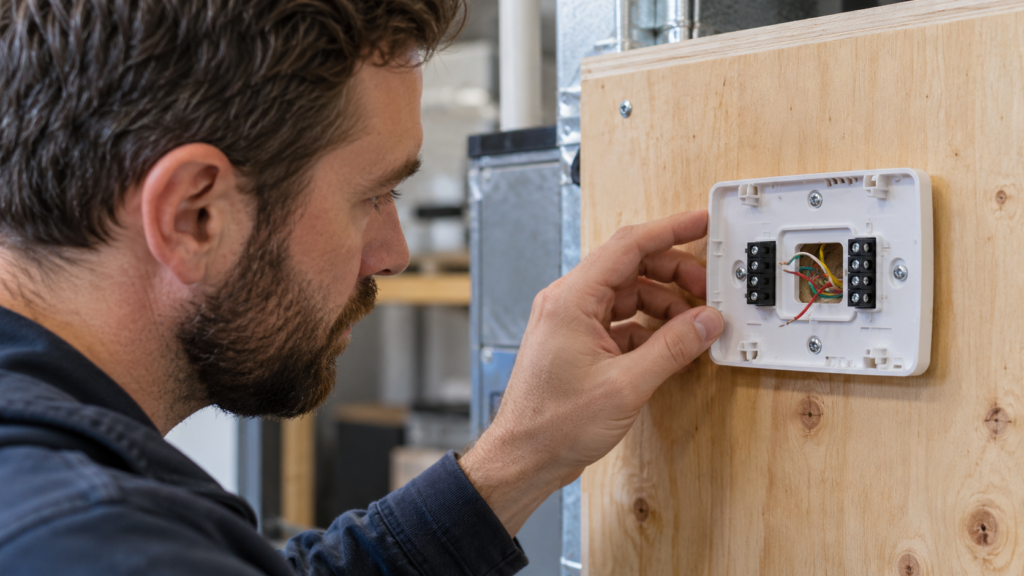
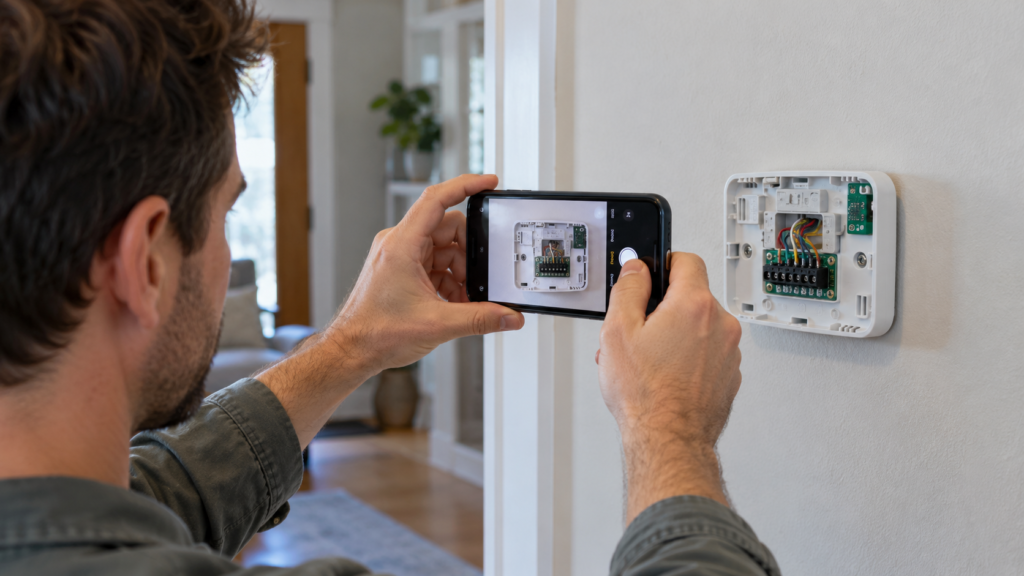
Take off your current thermostat’s faceplate and look for a wire connected to a terminal marked C. If there is no C terminal in use, you may still have an unused wire tucked into the wall.
- Turn off power to your furnace or HVAC system at the breaker or the furnace power switch.
- Remove the thermostat cover and take a clear photo of the wires and their labels.
- Look for a wire on C. If one is there, you have a C wire at the thermostat.
- Look for extra wire. A folded-back wire behind the plate may already be connected at the furnace, or can be connected there.
- Check the furnace end. Open the furnace panel (power off) and see whether that same wire is connected to C on the control board.
If your thermostat is labelled 120 V or 240 V, or has thick wires joined with wire nuts, stop here. That is a line-voltage system, covered below.
Do older homes have a C wire for thermostats?
Often not. Many older Canadian homes with a furnace and no air conditioning have only two wires (R and W), because the old thermostat did not need constant power.
Homes with central air usually have at least four wires (R, W, Y, G). That matters, because both Nest and ecobee power solutions work with existing wiring in many of these homes.
What to do if there is no C wire for your thermostat
You have four main options. The right one depends on your thermostat brand and how many wires you have.
| Option | Works with | Where it installs | Notes |
|---|---|---|---|
| Use an unused spare wire | Any brand | Thermostat and furnace C terminals | Easiest and cheapest if a spare wire exists |
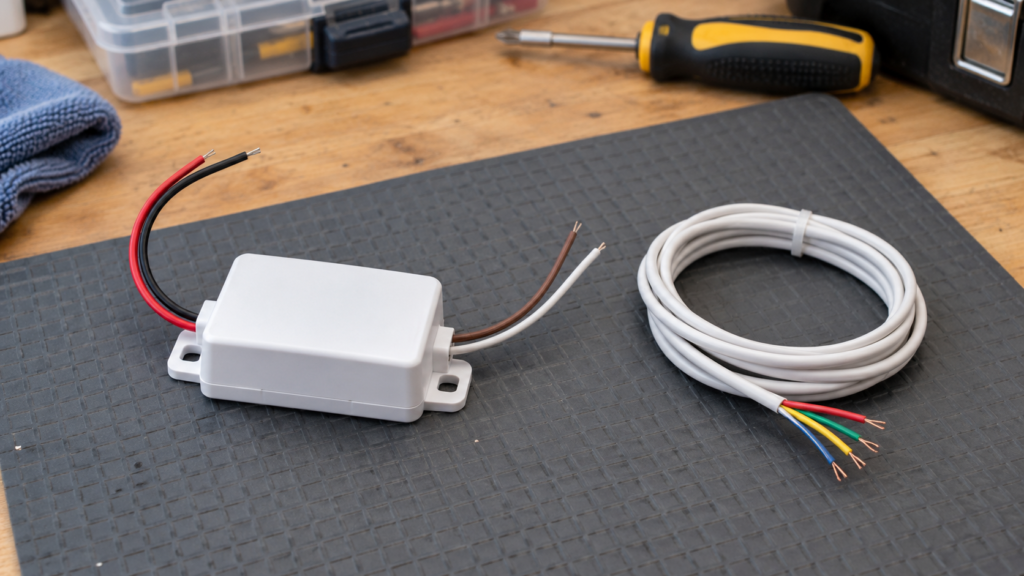
| Nest Power Connector | Nest Thermostat, Nest Thermostat E, Nest Learning Thermostat 3rd and 4th gen | Furnace or air handler control board (or zone controller) | 24 VAC systems only |
| ecobee Power Extender Kit | Most ecobee models | Furnace or air handler control board | Needs at least four wires; 24 VAC systems only |
| Run a new thermostat cable | Any brand | From furnace to thermostat | Most reliable, but can mean opening walls |
According to Google’s Nest Power Connector page, the connector works with 24 VAC systems only, and millivolt and high-voltage systems are not compatible. Google also warns that some third-party C wire adapters can cause problems with Nest thermostats, so use the approved accessory.
For ecobee, the ecobee Power Extender Kit combines the Y and G functions into one wire, freeing up a wire to use as C. ecobee says it comes with most of its thermostats (not the Smart Thermostat Essential or Lite) and does not work with millivolt, high-voltage, dual transformer, or fan coil and communicating systems.
No C-wire? We install smart thermostats for $129, plus $50 if you need a C-wire adapter.
Does a Nest or ecobee thermostat need a C wire?
Not always. Some Nest models can run without one on many systems, but Google says heating-only, cooling-only, zoned and heat pump systems need a C wire or the Nest Power Connector.
Signs your Nest is short on power include a dead screen, Wi-Fi dropping or a low power message. For ecobee, the Power Extender Kit is the company’s own fix for homes without a C wire. Before buying, run your wiring through the brand’s online compatibility checker.
How to install a Nest or ecobee thermostat
Most smart thermostat installs follow the same pattern. The app for each brand walks you through your exact wiring.
- Check compatibility in the Google Home or ecobee app, using the photo of your current wiring.
- Turn off power at the breaker or furnace switch. Confirm the old thermostat screen is blank.
- Label each wire with the stickers in the box, matching the old terminal letters.
- Remove the old thermostat and base plate. Keep the wires from slipping into the wall.
- Install the power solution if needed, such as the Nest Power Connector or ecobee Power Extender Kit at the furnace.
- Mount the new base, level it and connect each wire to its labelled terminal.
- Attach the display, restore power and follow the in-app setup.
- Test heat, cooling and fan before you close up the furnace panel.
Line-voltage (baseboard) thermostats are different
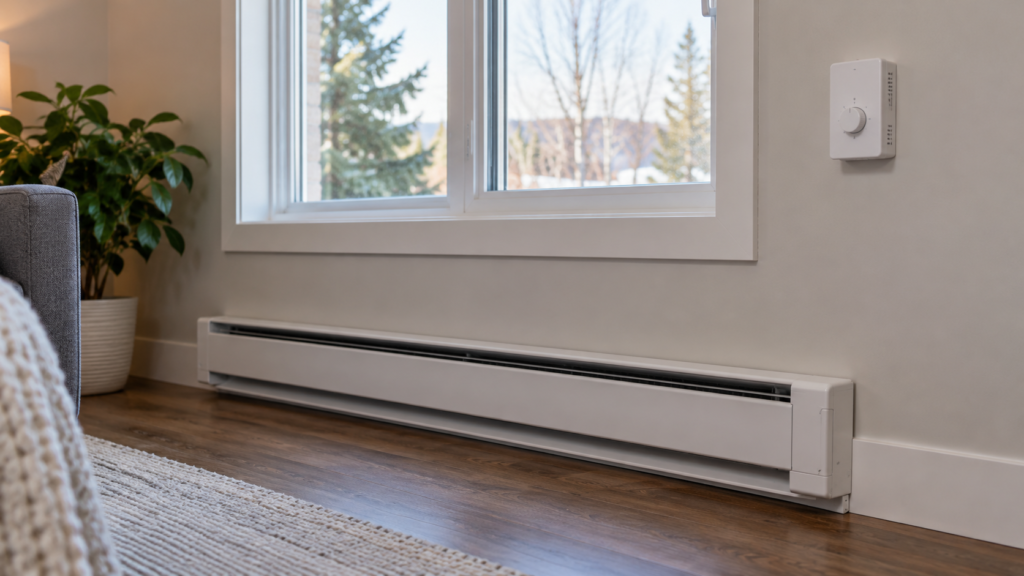
Electric baseboard heaters use line-voltage thermostats running on 120 V or 240 V. Standard Nest and ecobee thermostats are not made for these systems.
Google’s Nest compatibility page states that high-voltage systems such as electric baseboard heaters are not compatible with Nest thermostats. Line-voltage smart thermostats do exist from other brands, but they connect directly to household current. Check the product’s compatibility carefully, and check with your local electrical authority about whether that work needs a licensed electrician in your province.
Smart thermostat installation cost: DIY or hire a pro?
At Pixl Canada, smart thermostat installation is $129 (CAD, before tax), plus $50 if your home needs a C-wire adapter. If you already have a C wire and a standard 24 V furnace, it is a reasonable DIY job. Things get harder once you need to work inside the furnace.
DIY makes sense if:
- You have a wire on the C terminal already
- Your system is a simple gas furnace, with or without central air
- The compatibility checker gives you a clear green light
Hiring a pro makes sense if:
- You have no C wire and need an adapter installed at the furnace board
- You have a heat pump, zoned system, boiler or two-stage equipment
- Your thermostat shows low power or error codes after a DIY install
- You are not comfortable opening your furnace panel
Pixl’s licensed technicians carry $5 million in general liability insurance and you pay after the job, by card, e-transfer or cash. Book your smart thermostat installation with Pixl Canada, send us a message or call or text (587) 899-7495. We are open 7 days a week in cities across Canada. Setting up more smart home gear? See our guide on how to install a Ring doorbell.
Frequently asked questions
What is a C wire on a thermostat?
It is the common wire that gives your thermostat a constant 24 V power supply. It does not control heating or cooling. Smart thermostats use it to power Wi-Fi and the screen.
How do I know if I have a C wire?
Turn off power, remove the thermostat faceplate and look for a wire on the terminal labelled C. If none is there, look for an unused wire tucked behind the plate and check the furnace control board.
What do I do if there is no C wire for my thermostat?
Use a spare wire if one exists, install the Nest Power Connector or ecobee Power Extender Kit, or run a new thermostat cable. Both brand accessories work only with 24 VAC systems.
Do older homes have a C wire?
Many do not, especially heat-only homes with just two thermostat wires. Homes with central air often have four or more wires, which can make an adapter possible.
Can I install a Nest thermostat without a C wire?
Sometimes. Some Nest models can run without one on many systems, but heat pumps, zoned systems and heating-only or cooling-only setups need a C wire or the Nest Power Connector.
How much does smart thermostat installation cost?
Pixl Canada charges $129 CAD before tax for smart thermostat installation, plus $50 if a C-wire adapter is needed.
Also read thermostat wiring explained and baseboard heater thermostats. Written by the Pixl Canada install team: licensed technicians with $5 million liability insurance, installing TVs, security cameras, smart home devices and appliances across Canada.
Related articles