
How to Factory Reset a Smart TV: Samsung, LG, Sony, Roku and Fire TV
To factory reset a smart TV, open Settings, find Reset (often under General, System or Support), choose Reset or Factory Data Reset, enter your PIN if asked, and confirm. A factory reset erases your apps, accounts, WiFi and picture settings, so try a restart first: unplug the TV for 60 seconds, then plug it back […]
How to Set Up a Fire TV Stick or Roku Streaming Stick on Your TV
To set up a Fire TV Stick or Roku streaming stick, plug it into a free HDMI port on the TV, power it with its own adapter in a wall outlet, switch the TV to that HDMI input, pair the remote, connect to WiFi and sign in to your account. Powering the stick from the […]
How to Connect a Nintendo Switch to a TV: Dock Setup and Fixes
To connect a Nintendo Switch to a TV, place the console in its dock, plug the dock’s HDMI cable into a TV HDMI port, plug the dock’s power adapter into the wall, then switch the TV to that HDMI input. The screen on the Switch turns off and the picture moves to the TV. The […]
How to Connect a Bluetooth Speaker or Headphones to a TV
To connect a Bluetooth speaker or headphones to a TV, put the speaker in pairing mode, open the TV’s Settings, go to Sound, then Sound Output, then Bluetooth speaker list, and select the device. If your TV has no Bluetooth, plug a Bluetooth transmitter into the headphone jack, the optical port or an HDMI ARC […]
How to Connect a TV to WiFi: Smart TV Steps and Fixes When It Will Not Connect
To connect a TV to WiFi, open the TV’s Settings, choose Network (or General, then Network), select your WiFi name, enter the password and wait for the connection to confirm. If it fails, restart the TV and router, move the router closer or add a mesh node, check that the TV is on the 2.4 […]
How to Connect an iPhone to a TV: AirPlay, Cable and Apple TV
To connect an iPhone to a TV, use AirPlay if the TV supports it (Screen Mirroring in Control Center), or plug a Lightning or USB-C to HDMI adapter and an HDMI cable from the iPhone into the TV. AirPlay needs the iPhone and TV on the same WiFi network, and works with many recent Samsung, […]
How to Measure a TV Size: Diagonal, Width, Height and Whether It Fits
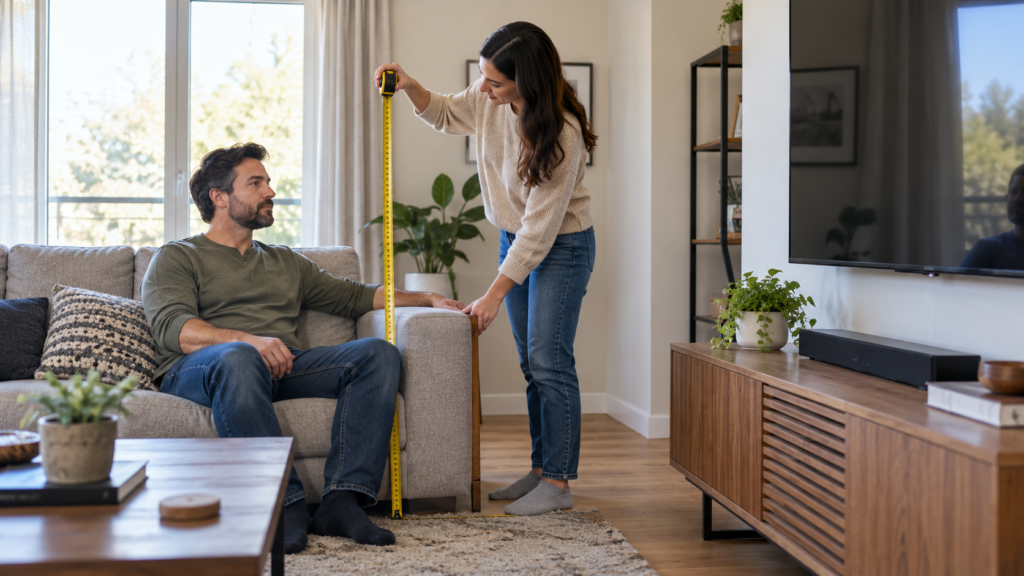
To measure a TV size, run a tape measure diagonally from one bottom corner of the screen to the opposite top corner, not including the plastic frame, and round to the nearest inch. That number is the size sellers use: a 65 inch TV measures 65 inches along the diagonal. Its width and height are […]
What Is HDMI ARC and eARC? Which Port, Which Cable, and How to Fix It
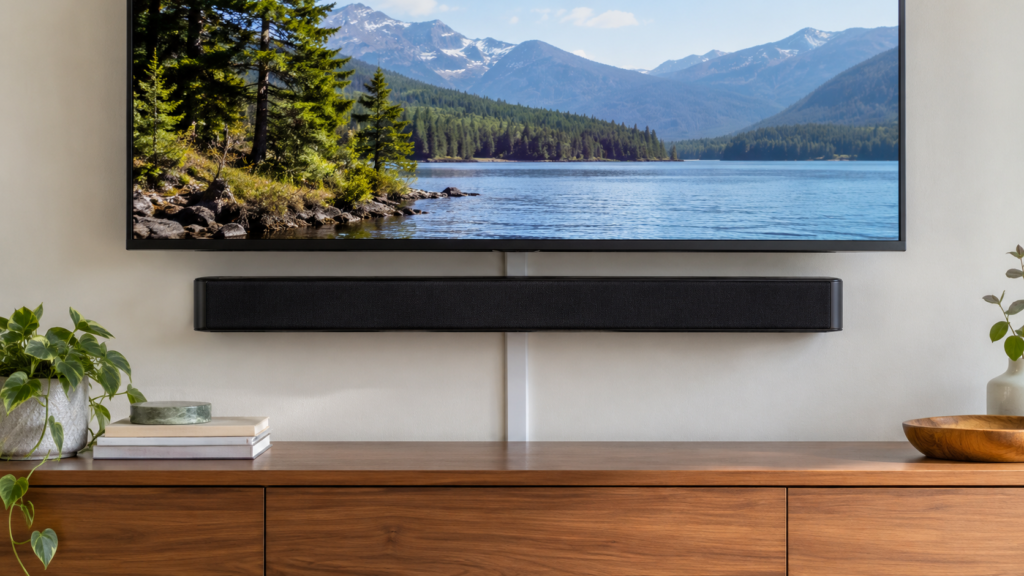
HDMI ARC (Audio Return Channel) lets your TV send its sound back to a soundbar or receiver through the same HDMI cable that carries the picture to the TV, so you need one cable instead of two. eARC (enhanced ARC) is the newer version: it carries higher-quality, uncompressed audio including Dolby Atmos, which plain ARC […]
How Long Does It Take to Mount a TV? Times by Wall, Mount and Wires
A standard TV mount on drywall over wood studs usually takes about 30 to 60 minutes for an installer, and plaster, masonry, metal studs or in-wall wire concealment push that to roughly 60 to 90 minutes. Add a soundbar and the visit is typically 2 to 3 hours, and a full surround or Atmos setup […]
How to Remove a TV From a Wall Mount Without Damaging It
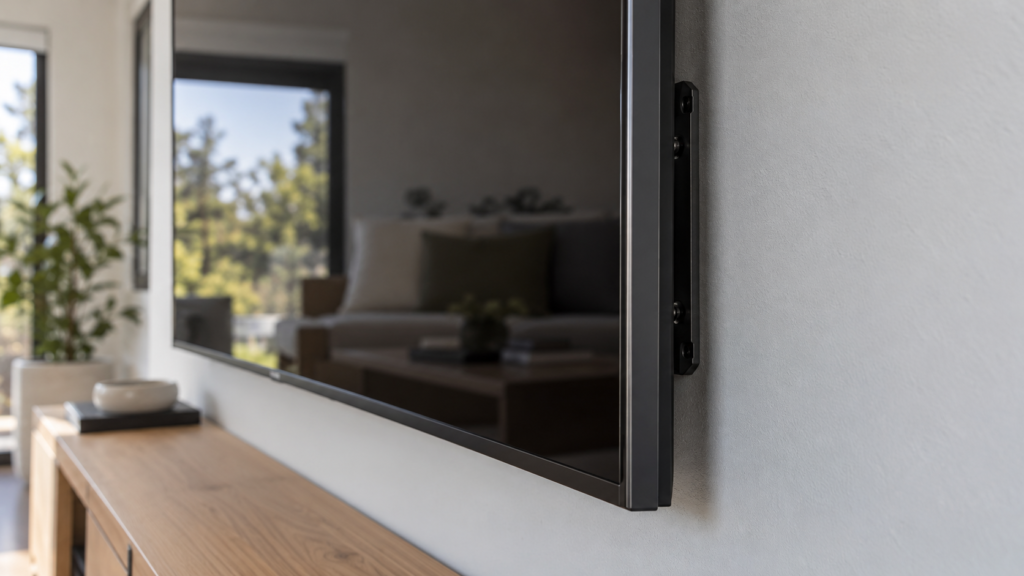
To remove a TV from a wall mount, find the lock first (a screw, a sliding bar or a pull cord), have a second person hold the TV, release the lock, lift the TV an inch or two to clear the top lip, then tilt the bottom away from the wall. Do not pull straight […]