
Home theatre · 8 min read · updated sep 2026
How to Set Up a Home Theatre: Room, Speakers and Wiring
By the Pixl Canada install team
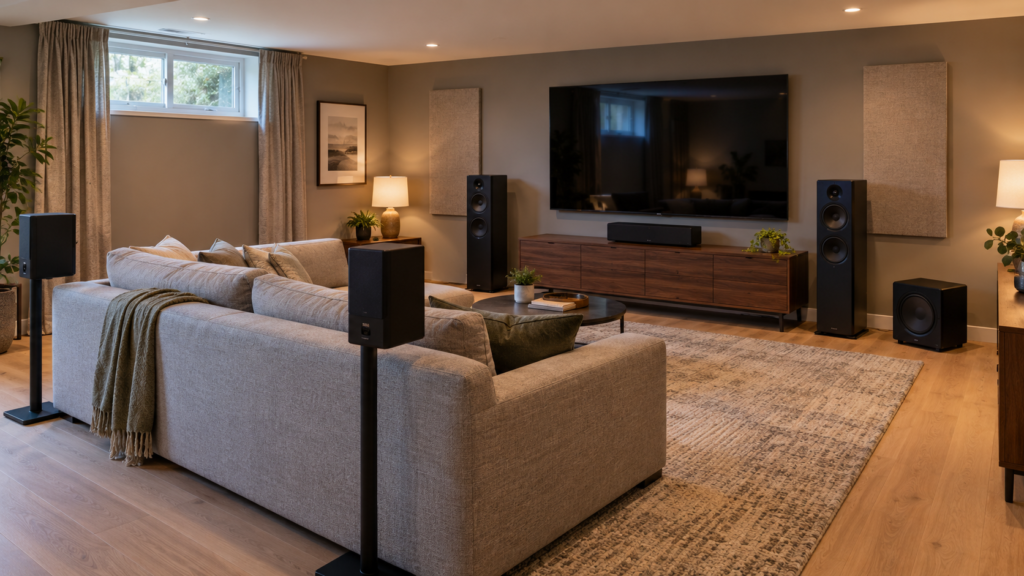
Quick answer
To set up a home theatre, pick the room and seating spot first, size the screen to your viewing distance, then choose a speaker layout (3.1, 5.1, 7.1 or Dolby Atmos). Connect everything through an AV receiver using HDMI eARC, place the subwoofer, run room calibration and hide the wires.
How do you plan a home theatre room?
Start with the main seat, not the TV. Every speaker angle and screen size decision works back from where you sit.
- Pick the room. A room with few windows and soft surfaces (carpet, rugs, curtains, a fabric couch) sounds better and is easier to darken than an open-concept main floor.
- Set the main seat. Centre it on the screen wall. Avoid sitting right against the back wall, where bass tends to build up.
- Map power and cable routes. Note where outlets are, where the receiver will sit and how speaker wire will reach the back of the room.
- Think about the ceiling. If you want Dolby Atmos, check whether you can add ceiling speakers or need upward-firing ones.
Dolby’s home theater setup guide suggests arranging pairs of speakers so they form triangles with your seat, keeping them at equal distances where you can.
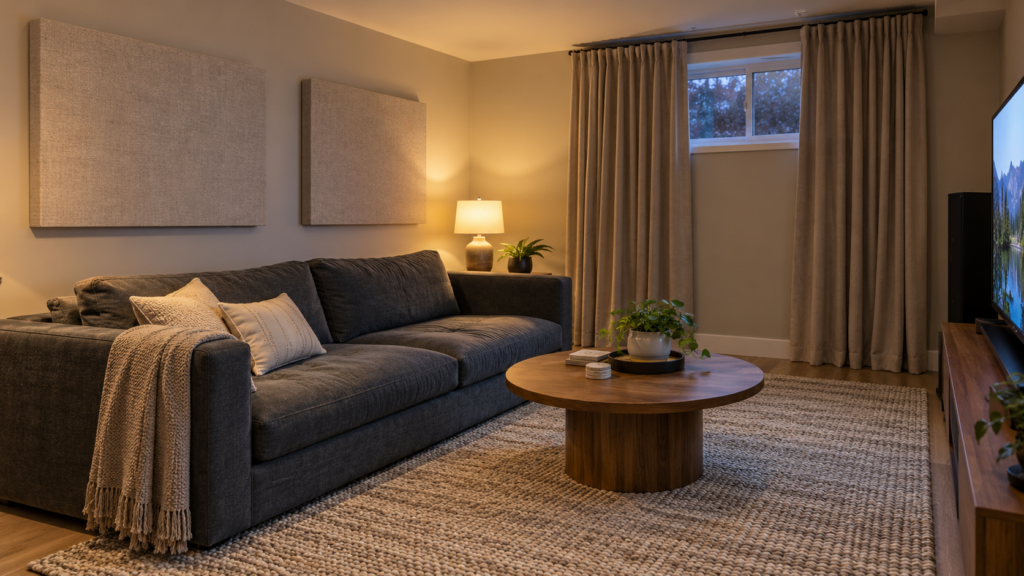
What size screen do you need for your viewing distance?
A simple rule is to sit about 1.2 times the screen size away, and a bit closer for 4K. Samsung Canada’s TV size guide uses that multiplier and says the screen should fill about 30 to 40 degrees of your view.
| Screen size | 4K distance (approx.) | General distance (approx.) |
|---|---|---|
| 55″ | 1.4 m (4.6 ft) | 1.7 m (5.5 ft) |
| 65″ | 1.7 m (5.5 ft) | 2.0 m (6.5 ft) |
| 75″ | 1.9 m (6.3 ft) | 2.3 m (7.5 ft) |
| 85″ | 2.2 m (7.1 ft) | 2.6 m (8.5 ft) |
These are starting points, not rules. Many people with a dedicated theatre room go bigger than the chart. Height matters just as much: our guide on how high to mount a TV covers eye-level centre heights for couches and recliners.
TV or projector?
A TV is brighter, simpler and works in a room with daylight. A projector gives a much bigger picture for the money but needs a dark room, a screen and careful throw distance. For a living room, choose a TV. For a basement with no windows, a projector makes more sense.
Which speaker layout should you choose?
Pick the layout your room and budget can support. In names like 5.1.2, Dolby explains that the first number is ear-level speakers, the second is subwoofers and the third is height speakers.
| Layout | Speakers | Best for | Pixl install labour |
|---|---|---|---|
| 3.1 | Left, centre, right + subwoofer | Small rooms, clearer dialogue than a TV | $90 + $20 sub |
| 5.1 | 3 front + 2 side surrounds + sub | Most living rooms and basements | $150 + $20 sub |
| 7.1 | 5.1 + 2 rear surrounds | Larger rooms, seating away from the back wall | $210 + $20 sub |
| 5.1.2 Dolby Atmos | 5.1 + 2 height speakers | Entry-level Atmos | $210 + $20 sub |
| 7.1.2 or 5.1.4 Dolby Atmos | 9 speakers + sub | Dedicated rooms | $270 + $20 sub |
| 7.1.4 Dolby Atmos | 11 speakers + sub | Full theatre rooms | Ask for a quote |
Placement basics apply to every layout. Dolby’s Atmos speaker setup guide recommends keeping main speakers at about ear level when seated and angling (toeing in) the left and right speakers toward your seat. Height speakers can be mounted in the ceiling to fire down, or you can use upward-firing speakers that bounce sound off the ceiling.
For exact angles and diagrams for your layout, use Dolby’s speaker setup guides, which cover 3.1 through larger Atmos systems. Dolby also recommends that overhead speakers be installed by professionals with experience in overhead work.
Where should the subwoofer go?
Start near the front of the room, then test other spots. Dolby notes bass is less directional, so placement is flexible, but room position changes how even and powerful it sounds.
A popular trick is the “subwoofer crawl”. Put the sub in your main seat, play a bass-heavy scene, then crawl around the floor where the sub could go. Where the bass sounds smoothest is where the sub belongs. Avoid tight corners if the bass sounds boomy, and keep it a little off the wall. Larger rooms may benefit from two subs for more even bass.
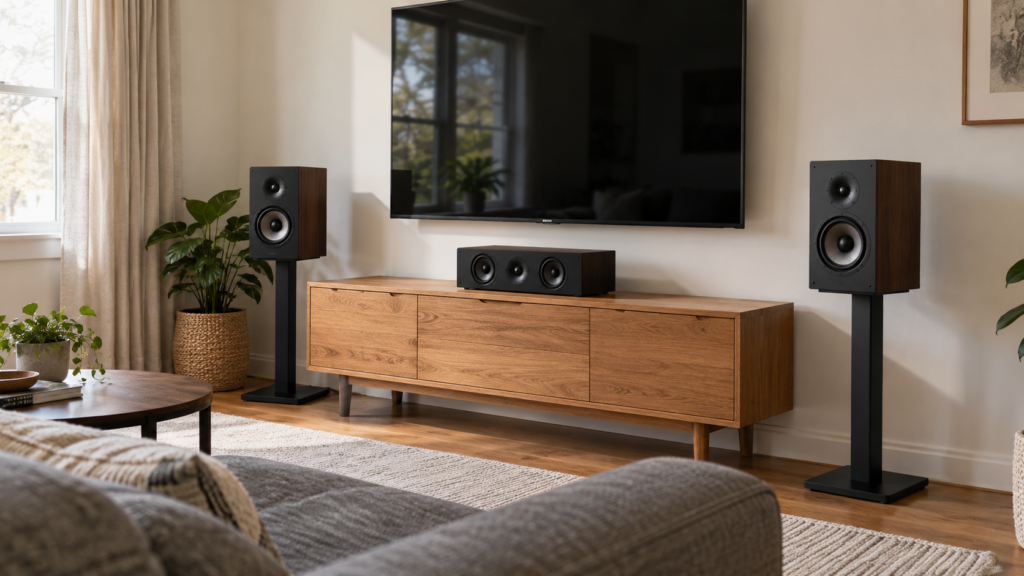
Want it planned, wired and calibrated for you? Surround sound installation starts at $90.
Do you need an AV receiver and HDMI eARC?
For any system beyond a soundbar, yes. The receiver powers the passive speakers, decodes surround formats and switches your sources.
- Choose enough channels. A 5.1.2 system needs at least 7 amplified channels. Check the receiver supports Dolby Atmos if you want height speakers.
- Use the eARC port. Connect the TV’s HDMI port marked eARC to the receiver’s eARC or ARC port. eARC lets TV apps send full-quality surround audio, including Dolby Atmos, back to the receiver.
- Turn on HDMI-CEC in both the TV and receiver settings so one remote controls volume and power.
- Connect sources wisely. Game consoles and streaming boxes can plug into the receiver or the TV. Check your receiver supports the video modes you need, like 4K at 120 Hz for gaming.
- Use certified high-speed HDMI cables that are long enough to reach without strain.
If you want a simpler setup, a soundbar with a wireless sub and rear speakers is the easy option. Pixl installs soundbars for $50, plus $50 for a soundbar mount.
How do you calibrate a home theatre?
Run the receiver’s built-in room calibration after every speaker is in its final position. Dolby recommends using calibration modes on receivers, soundbars and subwoofers because they measure your room and adjust the sound.
- Place the microphone at ear height in your main seat, then at the other seats if prompted.
- Keep the room quiet and doors closed during the test.
- Check the results: speaker sizes, distances and levels should look sensible.
- Fine-tune by ear. Many people raise the centre channel slightly for clearer dialogue.
- On the TV, turn off motion smoothing and use a Movie or Filmmaker picture mode.
How do you hide home theatre wires?
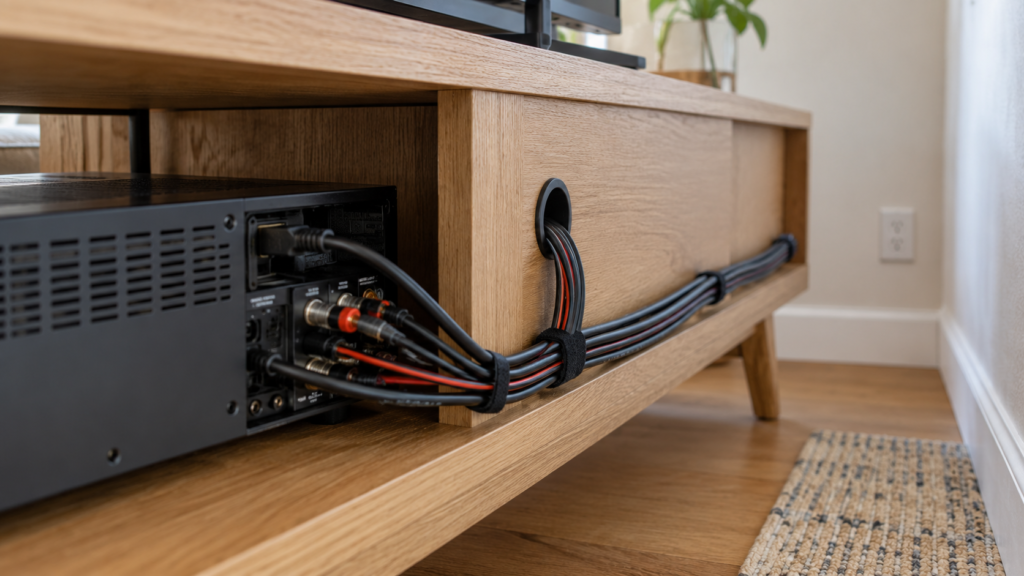
Run speaker wire under carpet edges, along baseboards in raceway, or inside walls and ceilings using in-wall rated cable. TV power is the tricky part, since running a regular power cord inside a wall is not allowed. Our guide on hiding TV wires legally in Canada explains the safe options, and hiding TV wires without cutting the wall covers raceways and consoles.
Pixl’s wire hiding prices: existing channel $25, paintable raceway $60 (material included) or in-wall $99.50 with fire-resistant HDMI included.
How much does a home theatre setup cost? DIY or hire a pro?
Doing it yourself costs only time, but plan on a full day or more for surround speakers, wiring and calibration. Hiring a pro makes sense for ceiling speakers, in-wall wiring and Atmos layouts.
| Example 5.1 install (labour, CAD before tax) | Price |
|---|---|
| TV mounting (up to 60″, your mount) | from $80 |
| 5 surround speakers | $150 |
| Subwoofer | $20 |
| Receiver setup and calibration | $150 |
| Total | from $419 |
Mounts, larger TVs, wall types and wire hiding add to the total. See TV mounting prices for details.
DIY pros: saves labour, you learn your system. DIY cons: ceiling work, wire runs and calibration take time, and mistakes show. Pro pros: licensed technicians, $5 million liability insurance, clean wiring. Pro cons: costs more than doing it yourself.
Ready to build yours? See our custom home theatre installation service or contact us. Call or text (587) 899-7495, 7 days a week, and you pay after the job.
Frequently asked questions
What do I need for a home theatre setup?
At minimum: a TV or projector, a sound system and a source like a streaming box. For true surround sound, add an AV receiver, speakers for your chosen layout, a subwoofer and HDMI cables with eARC support.
What is the best setup for a beginner home theatre?
A 5.1 system is the best starting point for most rooms. It gives real surround sound, and you can add height speakers later for Dolby Atmos if your receiver supports it.
What is the ideal setup for a home theatre?
A room with a centred main seat, a screen sized to your distance, speakers at ear level angled toward you and a calibrated subwoofer. Dedicated rooms often use 7.1.4 Dolby Atmos.
What are common home theatre mistakes?
Mounting the TV too high, skipping calibration, pushing the subwoofer into a corner without testing, and placing surrounds behind a couch that blocks them. Messy, unsafe wiring is another common one.
Is 5.1 or 7.1 better?
7.1 adds rear surrounds, which helps in larger rooms where seating is well away from the back wall. In smaller rooms, a well-placed 5.1 system often sounds just as good.
How much does home theatre installation cost in Canada?
At Pixl Canada, a 5.1 setup with TV mounting, five speakers, a subwoofer and receiver calibration starts at $419 CAD in labour before tax. Atmos layouts with 7 or 9 speakers are $210 or $270 for the speakers.
What does it cost? See home theatre installation cost in Canada. See also home theatre installation cost. Written by the Pixl Canada install team: licensed technicians with $5 million liability insurance, installing TVs, security cameras, smart home devices and appliances across Canada.
Related articles