
Security cameras · 8 min read · updated sep 2026
Where to Place Security Cameras: Home Placement Guide for Canada
By the Pixl Canada install team
Quick answer
Place security cameras at every ground-floor entry: front door, back door, garage and side gates, plus one covering the driveway. Mount them 2 to 3 metres high, angled slightly down, under an eave and out of direct sun. Aim at your own property only, and never inside bathrooms or at a neighbour’s windows.
Where is the best place to install a security camera?
The best place is wherever someone would enter your home. Most break-ins and porch thefts happen through doors, garages and ground-floor windows, so cover those first before adding extra views.
| Location | Purpose | Recommended camera type |
|---|---|---|
| Front door | Faces of visitors, parcel deliveries | Video doorbell plus a wide camera above the door |
| Back door | Entry that is hidden from the street | Wired PoE or plug-in WiFi camera |
| Driveway | Vehicles, licence plates, people approaching | Wired PoE bullet camera or floodlight camera |
| Garage (outside and inside) | Overhead door, side door, tools and bikes | PoE camera outside, WiFi camera inside |
| Side gates and walkways | Route into the backyard | Battery or PoE camera with motion zones |
| Ground-floor windows | Hidden windows, basement windows | Wide-angle PoE camera covering several windows |
| Backyard | Patio doors, shed, fence line | PoE turret or floodlight camera |
| Indoor common areas | Main hallway, stairs, entry from garage | Indoor WiFi camera with privacy mode |
Where should outdoor security cameras be placed?
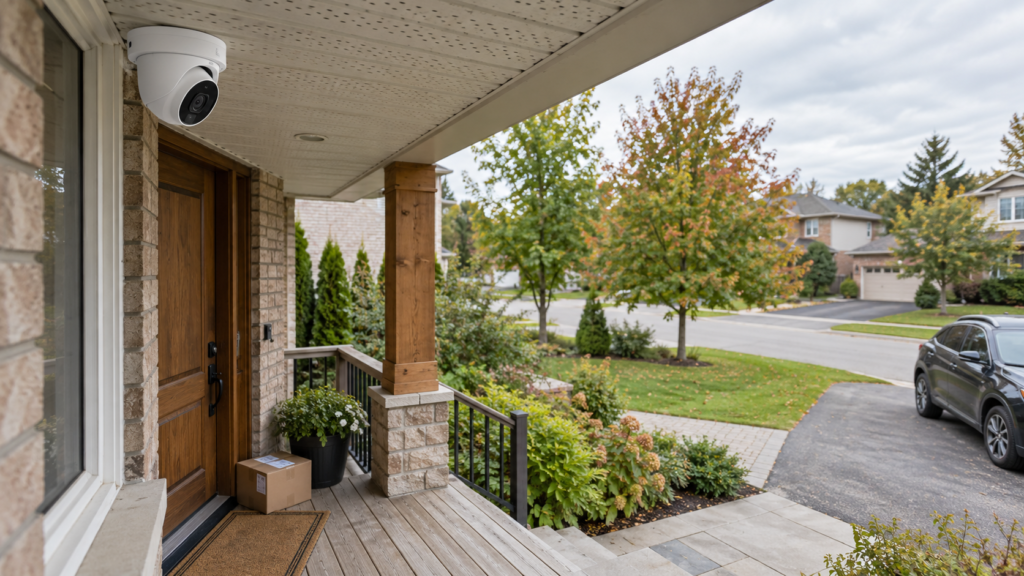
Put outdoor cameras at each entry point and on corners that see along the side of the house. Mount them under an eave or soffit so rain, snow and midday sun stay off the lens.
Front door
Your front door is the most important view. A doorbell camera catches faces close up, while a second camera above the door sees the walkway and porch. Google Nest’s camera placement guide suggests about 1.2 m high for a doorbell so it sees both people and packages.
Back door and patio doors
Back entries are hidden from neighbours and the street, which makes them a favourite for intruders. Place the camera so it sees the door and the path leading to it.
Driveway and garage
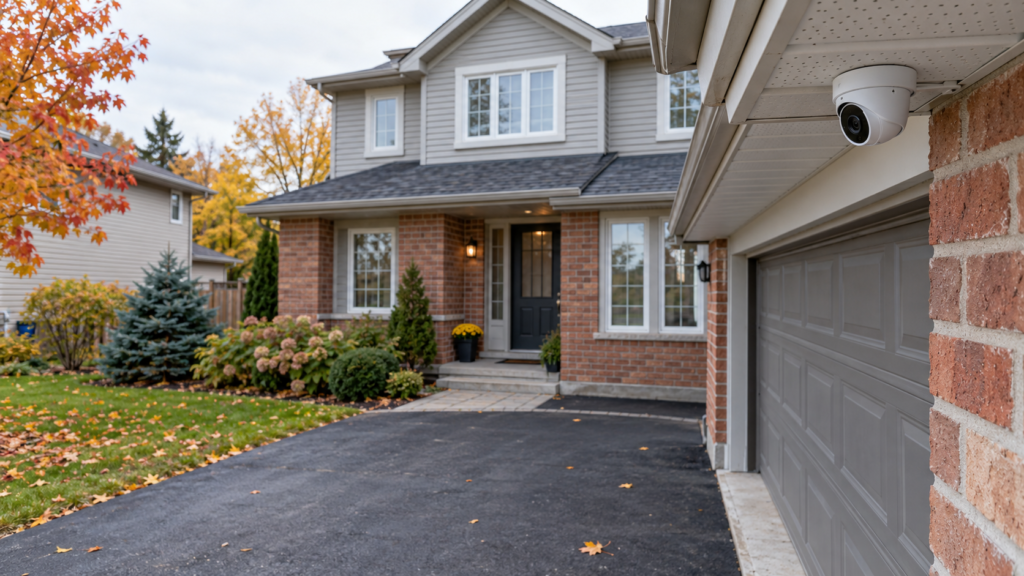
Aim a camera down the driveway from the corner of the garage or house. This catches people and vehicles approaching. To read licence plates, the camera needs to be close to where cars stop; a wide view of the whole driveway rarely shows plates clearly. Add a camera inside the garage if you store bikes, tools or a second fridge there.
Side gates, walkways and ground-floor windows
Side yards are the quiet route to your backyard. A camera on a corner can watch the gate and several windows at once. Basement and ground-floor windows out of street view deserve coverage too.
Backyard
Cover patio doors, sheds and the fence line. Keep the view on your own yard, not the neighbour’s patio.
Should you put security cameras inside your home?
Yes, in shared areas. An indoor camera in the main hallway, at the bottom of the stairs or facing the door from the garage catches anyone who gets past your outdoor cameras.
Point indoor cameras at entry routes, not at a window. Google warns that cameras aimed through glass perform poorly because of reflections; if you must, place the lens flush against the glass. Use privacy mode or schedules when family is home, and let guests, nannies and cleaners know cameras are in use.
Not sure where your cameras should go? We plan every spot with you. WiFi camera installation starts at $200 for 1 or 2 cameras.
How high should security cameras be mounted?
Mount outdoor cameras about 2 to 3 metres up, angled slightly down. That is high enough to stop someone from grabbing or spraying the camera, but low enough to see faces rather than the tops of hats.
- Battery cameras: Google recommends 1.8 to 2 m for its battery Nest Cam, for the best motion detection.
- Distance: Google also advises keeping people within about 6 m (20 ft) of the camera for useful detail.
- Angle: tilt the lens down so the frame is mostly your yard, not sky. Sky throws off exposure.
- Too high: second-storey mounts show the scene, but faces become hard to identify.
How do lighting, glare and weather affect placement?
Light shining into the lens ruins video, and extreme weather shortens camera life. Check each spot at different times of day before you drill.
- Backlight and glare: avoid pointing cameras toward the rising or setting sun or a porch light. Google notes that light aimed at the lens makes people appear dark or blacked out.
- Night vision: infrared light bounces off nearby walls, soffits and eaves and washes out the image. Keep a little space between the lens and any surface in front of it.
- Shade: Google recommends a shaded spot, such as under an eave, to avoid overheating in summer.
- Cold: Ring’s extreme temperatures guide says its devices operate normally down to -20°C and battery life drops near freezing. In colder regions, choose wired power for key cameras. Our how to install security cameras guide covers winter-proofing in detail.
Where should you not put security cameras?
Do not aim cameras into places where people expect privacy: bathrooms, bedrooms, change areas or a neighbour’s windows and yard. Be careful with audio recording too.
- Neighbours’ windows and yards. Aim narrowly at your own entries. Our guide on whether a neighbour’s camera can point at your house explains the rules and your options.
- Bathrooms and bedrooms. Never place cameras where people undress, including in a basement suite you rent out.
- Audio. Recording conversations you are not part of can raise Criminal Code issues. The Office of the Privacy Commissioner of Canada’s video surveillance guidelines are written for businesses, but their advice is a good benchmark: record sound only when there is a specific need, and do not aim cameras into showers or windows. Read our security camera audio law guide before switching on audio.
- Behind glass or mesh screens. Reflections and screens block the view and confuse motion detection.
Live in a condo or townhouse? Hallways and doors are often common property, so check your bylaws first. See are doorbell cameras legal in Canadian condos.
How many security cameras do I need?
Most detached homes need 4 to 6 cameras: front door, back door, driveway or garage, and one per side yard. Townhouses often need 2 or 3, and condos may need just a doorbell and one indoor camera.
Count your ground-floor doors, add one for the driveway, then add a camera for any side or back area you cannot see. Start with entries and add more later; one well-placed camera beats three with poor angles.
DIY or hire a pro?
Placing one or two WiFi cameras is simple DIY. A full wired system with NVR, attic cable runs and sealed wall entries is where a pro saves time and leaks.
- DIY pros: no labour cost, flexible timing, easy to reposition battery cameras.
- DIY cons: ladder work, sealing holes, weak Wi-Fi at far corners, trial and error on angles.
- Pixl Canada: WiFi camera installation from $200 for 1 or 2 cameras, before tax. A single smart WiFi camera set up as a smart device is $89. Wired CCTV and NVR systems and all business systems get a free custom quote after photos or a walkthrough.
Our licensed technicians, backed by $5 million liability insurance, walk your property, suggest the right spots and set up the app, and you pay after the job. See our security camera installation service or ask for a free quote. Call or text (587) 899-7495, 7 days a week.
Frequently asked questions
Where should outdoor security cameras be placed?
At every entry point: front door, back door, garage, side gates and the driveway. Mount them under an eave about 2 to 3 metres high, angled slightly down and out of direct sun.
Where should you not put security cameras?
Not in bathrooms, bedrooms or anywhere people undress, and not aimed at a neighbour’s windows or yard. Avoid spots facing the sun or a bright light, and avoid mounting behind glass.
Can I point my security camera at my neighbour's house?
Aim it at your own property. Capturing a bit of the street or a neighbour’s driveway is often unavoidable, but pointing a camera into their windows or backyard can lead to privacy complaints or civil claims.
How many security cameras do I need for my house?
Most detached homes need 4 to 6: one per ground-floor door, one for the driveway and one per side yard. Smaller homes and condos often need 1 to 3.
Should security cameras be visible or hidden?
Visible cameras at entries can deter would-be intruders, while a less obvious camera can catch anyone who tampers with the visible ones. Many homes use a mix of both.
Is it legal to record audio on a home security camera in Canada?
It can be risky. Recording private conversations you are not part of may raise Criminal Code issues. Turn audio off unless you need it, and read our audio law guide first.
Related camera guides: doorbell camera privacy settings, giving police your camera footage and camera signs. Written by the Pixl Canada install team: licensed technicians with $5 million liability insurance, installing TVs, security cameras, smart home devices and appliances across Canada.
Related articles