
Security camera installation in Canada starts at $200 before tax for one or two WiFi cameras with Pixl Canada. A wired CCTV system with an NVR or DVR needs a custom quote because cable routes, camera count, recording hardware and building access change the labour and equipment required.
This guide explains the parts of a quote so you can compare systems on the same basis. The prices below are Pixl Canada’s published starting prices, checked October 4, 2026. They are not a survey of every Canadian installer.
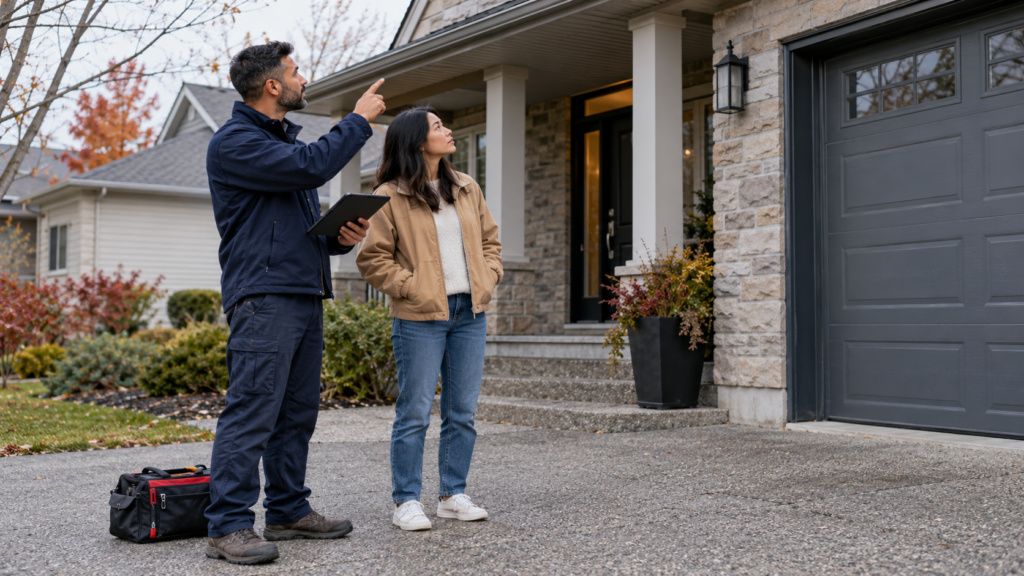
Security camera installation prices at a glance
| Installation | Published price | What changes the quote |
|---|---|---|
| One or two WiFi cameras | From $200 before tax | Mounting height, power access, WiFi strength and cable concealment |
| Wired CCTV with NVR or DVR | Free custom quote | Camera count, cable length, recorder and storage, wall construction and access |
| Business camera system | Free written quote | Coverage plan, after-hours work, lift access, retention needs and multiple locations |
See the current figures on the Pixl Canada service and pricing page. For a site-specific figure, send photos of the entrances, driveway or rooms you want to cover and note whether power and internet are already available nearby.
Why wired systems need a custom quote
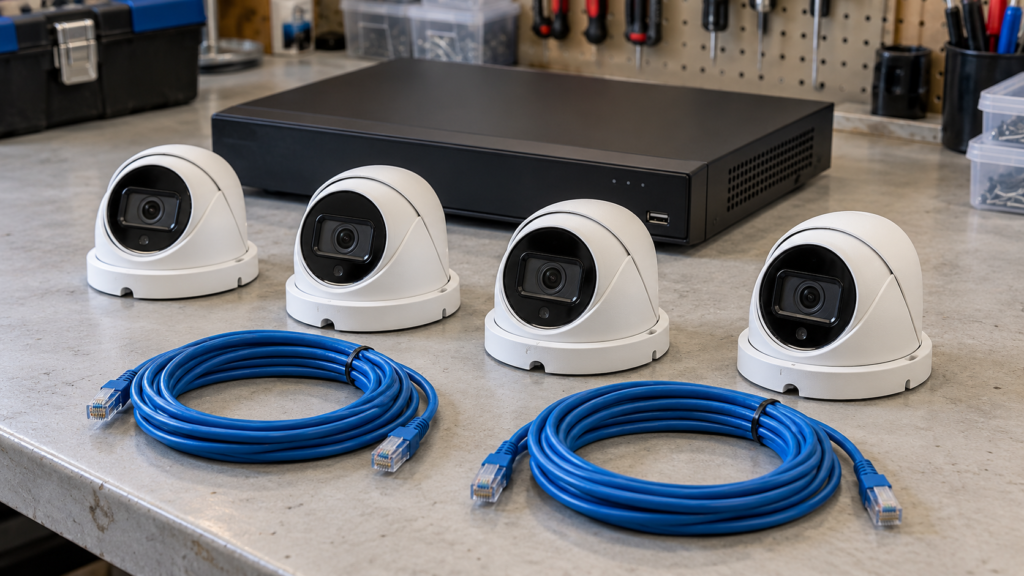
A two-camera WiFi job and an eight-camera PoE system are different projects. A wired system may require Ethernet runs through an attic, basement, finished ceiling or exterior wall. It also needs a recorder location, storage capacity and a plan for viewing footage. Quoting only “per camera” can hide the most important part of the work: getting reliable power and data from each camera to the recorder.
A useful written quote should identify the number and type of cameras, recorder, storage, cable routes, mounting locations, app setup, labour, supplied parts, tax and any optional work. If one proposal includes hardware and another is labour-only, the totals are not directly comparable.
The five factors that affect installation cost
1. Camera type
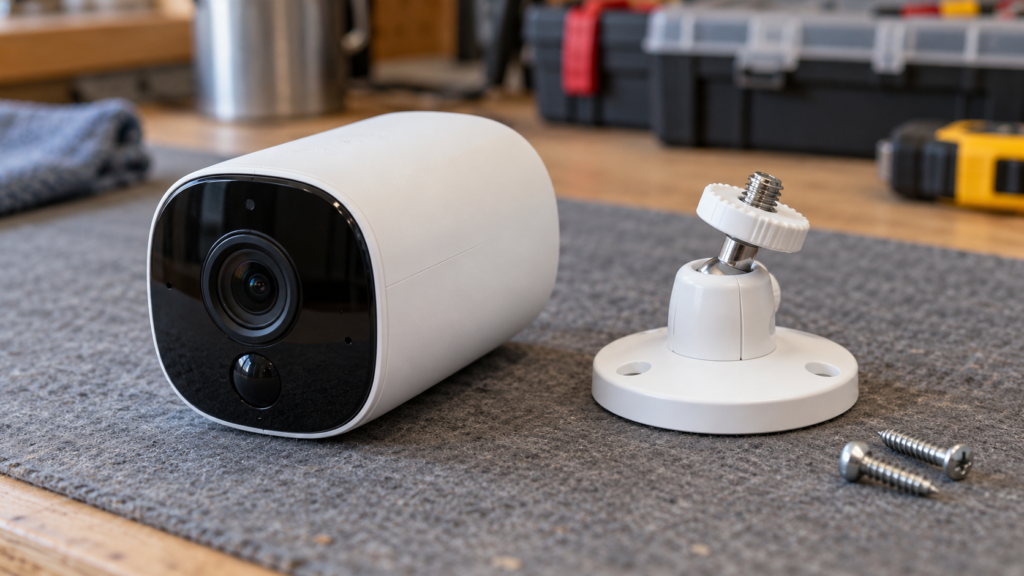
WiFi cameras usually need nearby power and a stable wireless signal. PoE cameras receive power and data through one Ethernet cable and normally record to an NVR. Analogue CCTV cameras use a DVR and different cabling. The right choice depends on the building and the recording you need, not just the purchase price of the camera.
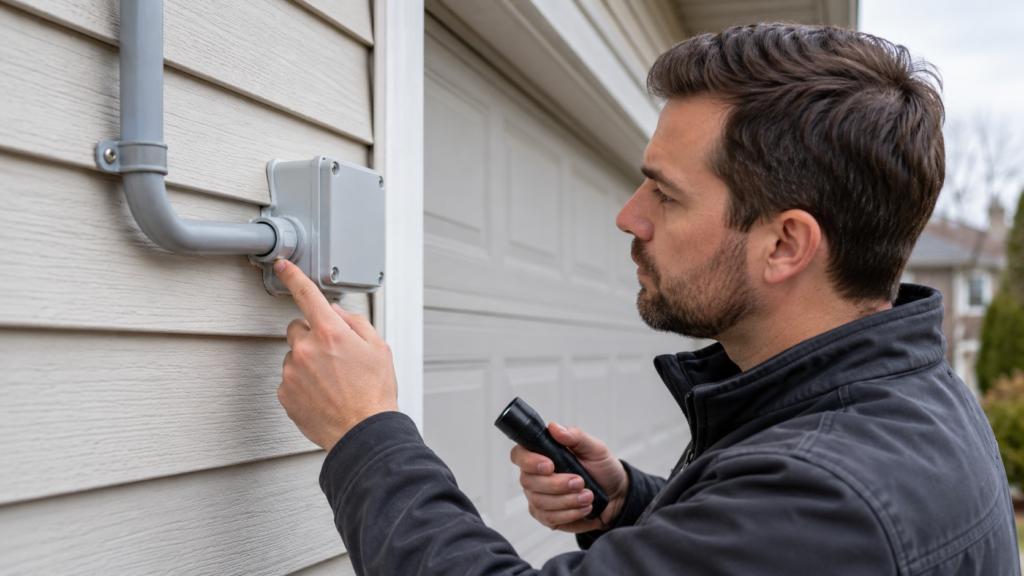
2. Number and placement of cameras
Each additional camera adds mounting, aiming, setup and testing. Placement also matters: a reachable interior wall is simpler than a high soffit or a detached garage. Before buying equipment, decide which events you need to capture—such as a face at the front door or a vehicle entering the driveway—rather than trying to cover every square metre.
3. Cable route and wall construction
Open basements and accessible attics can simplify cable runs. Finished ceilings, concrete, brick, long exterior runs and fire-separated areas require more planning. Ask whether visible cable, surface raceway, drilling and weather sealing are included.
4. Recording and storage
Resolution, frame rate, number of cameras and retention period affect storage. Local NVR or DVR recording has an upfront hardware cost; cloud recording may add a recurring subscription set by the camera provider. Compare the total cost over the period you expect to keep the system.
5. Network and app setup
Remote viewing depends on the local network. Weak WiFi, an overloaded router or poor placement can make a camera unreliable even when it is mounted correctly. A complete handoff should include live-view testing, recording playback, notification settings and showing the owner how to use the system.
WiFi or wired: which costs less?
For one or two cameras near power and strong WiFi, a WiFi installation is usually the simpler project. For several exterior cameras, continuous recording or a business property, a wired system may be the better long-term design even though installation is more involved. Read the detailed comparison of PoE and WiFi cameras in Canadian winters and the guide to cloud storage versus a local NVR.
What should be included in the quote?
For a business property, use our camera quote and handover checklist to compare equipment, recording assumptions, exclusions and recurring costs.
- Camera count, model or minimum specification
- Recorder and storage, if the system records locally
- Mounting hardware and weather sealing
- Cable length, route and concealment method
- App, live view and playback setup
- Labour, travel, supplied parts and tax
- Warranty responsibilities for labour and equipment
For a business, also ask for a coverage walkthrough and a written scope. Pixl Canada quotes wired and commercial systems after reviewing the property because a reliable design cannot be reduced to one national flat price.
Frequently asked questions
How much does it cost to install two security cameras?
Pixl Canada’s published starting price is $200 before tax for one or two WiFi cameras. The final price depends on access, mounting height, power, WiFi quality and cable concealment.
Does the installation price include the cameras?
Do not assume that it does. Confirm whether the proposal is labour-only or includes cameras, recorder, storage, cabling and mounting hardware. The written quote should list supplied equipment separately.
Do security cameras need a monthly fee?
Not always. Many local NVR or DVR systems record without a cloud subscription. Some WiFi camera brands charge for cloud storage or advanced notifications. Subscription pricing is controlled by the camera provider.
Can I get an exact price from a photo?
Photos are often enough for an initial WiFi-camera quote. A wired or commercial system may need a walkthrough so the installer can confirm cable routes, recorder location and access.
Get a site-specific camera quote
Start with the security camera installation service or contact Pixl Canada. Include the city, number of cameras, preferred camera type, photos of the mounting areas and whether you already own the equipment.