
A useful business security camera quote identifies what each camera must capture, the equipment and cable work included, the recording assumptions, recurring charges and the tests required at handover. Comparing camera counts alone can hide large differences in coverage and scope. Give each bidder the same site brief and compare their written responses.
By Pixl Canada. Sources checked October 5, 2026. This checklist helps owners prepare a quote request; it does not replace a site assessment or determine the privacy rules for a particular workplace.

Start with a one-page site brief
Before requesting a package price, write down the address, type of business, opening hours, decision-maker and installation access restrictions. Attach a simple floor plan or labelled photographs. Mark each area where an incident would need to be understood: an entrance, a delivery handoff or a stockroom doorway, for example.
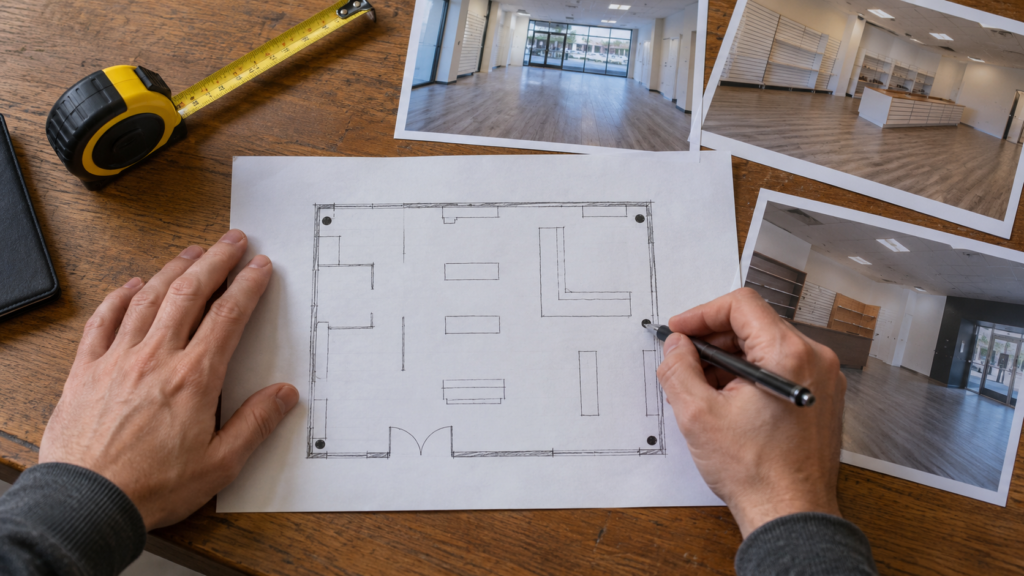
Describe the outcome at each position. “See activity at the loading door” and “read a vehicle plate at the gate at night” are different requirements. Ask the bidder to explain the proposed camera view and any limitation. A wide overview image should not be assumed to capture small identifying details at a distance.
If you are still choosing the system architecture, start with our business security camera system guide. Use this checklist once you are ready to compare an installation scope.
Eight items to require in the quote
| Item | Ask the bidder to specify | Your comparison note |
|---|---|---|
| Camera schedule | Model, quantity, intended view and mounting position | Does each priority area have a defined view? |
| Recorder and storage | Model, usable capacity, recording settings and retention estimate | Are the assumptions the same in every quote? |
| Cable and mounting work | Routes, surface conduit, penetrations, access equipment and finishing | What is excluded or provisional? |
| Network and power | PoE equipment, available ports, power budget and any backup power | Who supplies and configures each item? |
| Accounts and access | Owner administration, manager permissions and remote-access setup | Can the business control access after handover? |
| Recurring charges | Cloud storage, licences, support or monitoring; renewal terms | What is the ongoing cost? |
| Delivery and acceptance | Schedule, tests, training and documentation | How will completion be demonstrated? |
| Support and exclusions | Equipment warranty, workmanship terms, response scope and tax | Which additional tasks need a change order? |
Make storage estimates comparable
“A large hard drive” is not a retention specification. Ask what resolution, frame rate, bitrate, recording schedule and number of cameras were used in the estimate. Motion-triggered and continuous recording should not be compared as though they produce the same volume of video. Axis documents these inputs in its system design and storage guidance.
Illustrative calculation: four cameras, each recording continuously at a constant 4 Mbps, produce approximately 172.8 GB per day, or 2.42 TB over 14 days using decimal units. The calculation is 4 cameras × 4 megabits/second × 86,400 seconds/day ÷ 8 bits/byte. This excludes audio, overhead, capacity reserves and redundancy; actual variable-bitrate footage can differ. It is a comparison example, not a recommended retention period or disk-size guarantee.
Ask the bidder to state the expected usable capacity and show how retention will be checked after the system has recorded real activity. See cloud storage versus a local NVR for the broader trade-offs.
Separate equipment, labour and ongoing costs
Use three subtotals: equipment, installation and recurring services. An equipment-only kit is not comparable with a quote that includes cable runs, a lift, setup and training. Ask whether after-hours access, patching, electrical work or a return visit is included. Where a route cannot be confirmed from photographs, identify the allowance and how additional work will be approved.
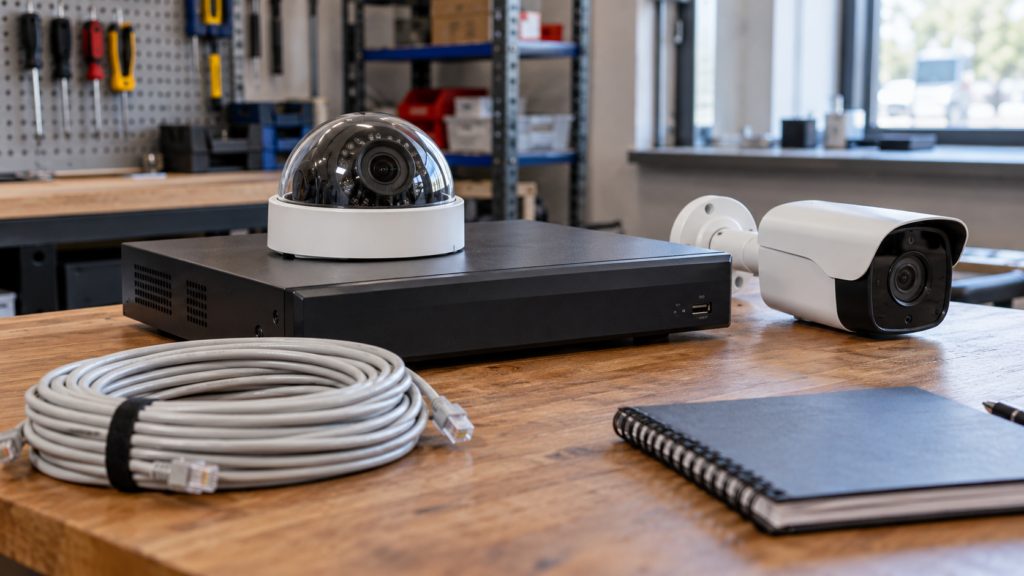
For a multi-year comparison, add the stated recurring charges over the same period to each initial quote. Note cancellation terms and what stops working if a subscription ends. Keep optional services separate so you can compare the same scope. Our installation cost guide explains the factors that change a camera quote.
Include privacy decisions before positions are fixed
For overt surveillance of the public in publicly accessible private-sector spaces, the Office of the Privacy Commissioner recommends defining the purpose, considering less intrusive alternatives, limiting the view, giving notice, restricting access and retaining recordings only as long as needed. Its video surveillance guidelines explicitly exclude employee and covert surveillance from their scope.
Assign responsibility for the policy, notices, access requests and retention decision. Ask which microphones, analytics and privacy masks are enabled. Employee monitoring, audio and particular provincial obligations need separate assessment; a camera quote is not proof of legal compliance.
Keep control of the system after installation
Name the business’s account owner and decide which managers need live view, playback, export or administration. The handover should explain how access is added and removed. The Canadian Centre for Cyber Security recommends changing default passwords, using two-factor authentication, maintaining updates and isolating connected-device networks from sensitive systems. Ask your IT contact and installer to agree who handles these tasks for the selected equipment.
A practical handover checklist
- Match the installed models and camera positions against the accepted quote.
- Review each agreed view, including relevant lighting conditions; record any test that must wait until night.
- Find a recorded event and export a playable clip using the owner’s account.
- Confirm the correct date, time and time zone on playback.
- Test the agreed remote-access method and manager permissions.
- Record recording settings, retention assumptions and the date to verify actual history.
- Receive the equipment list, account recovery instructions, support contact and written warranty terms.
- List unfinished work and agree how and when it will be closed.
Use this as a starting point for acceptance criteria in the quote. Model-specific limitations, outage behaviour and any required backup arrangement should be agreed in writing.
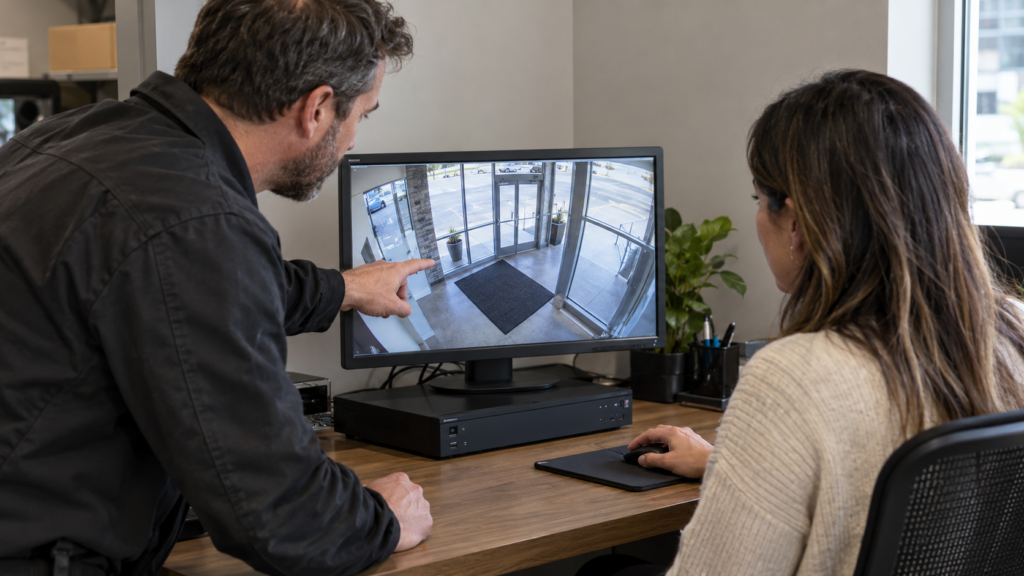
Request a business installation quote
Send your site brief, photographs, priority views and preferred schedule through Pixl for Businesses or contact Pixl Canada. Include your IT or property-management contact when network access or building approval is needed. The more clearly the desired result is described, the easier it is to compare quotes and verify the finished work.