
Security cameras · 8 min read · updated sep 2026
Cloud Storage vs Local NVR: Which Is Safer for Your Home?
By the Pixl Canada install team
Quick answer
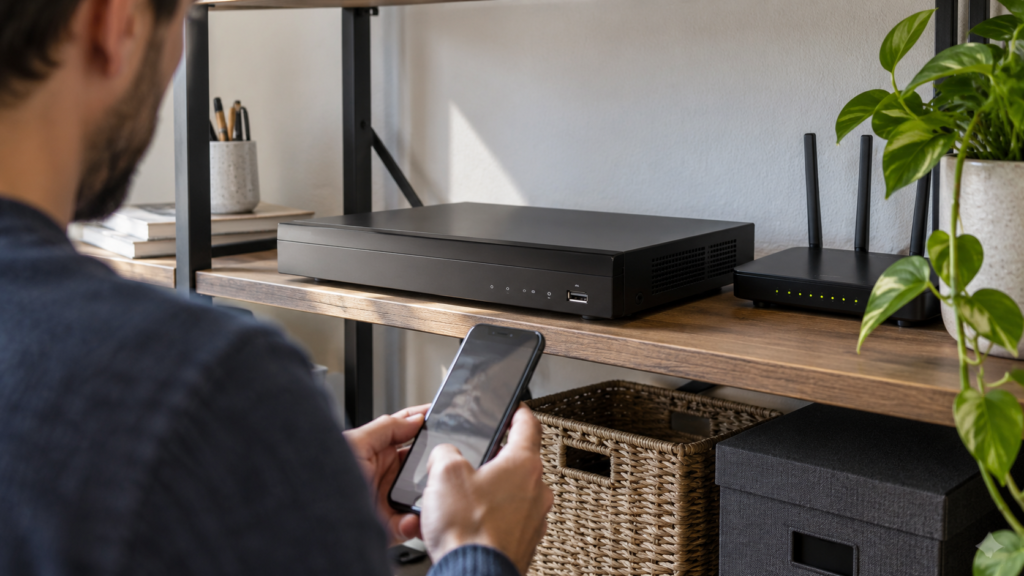
Neither option is safer in every case. A local NVR keeps footage in your home, costs nothing monthly and keeps recording when the internet drops. Cloud storage keeps a copy off-site, so a thief can’t take it. For most Canadian homes, the safest setup is a hybrid: an NVR for continuous recording plus cloud backup for key clips.
What is the difference between cloud storage and a local NVR?
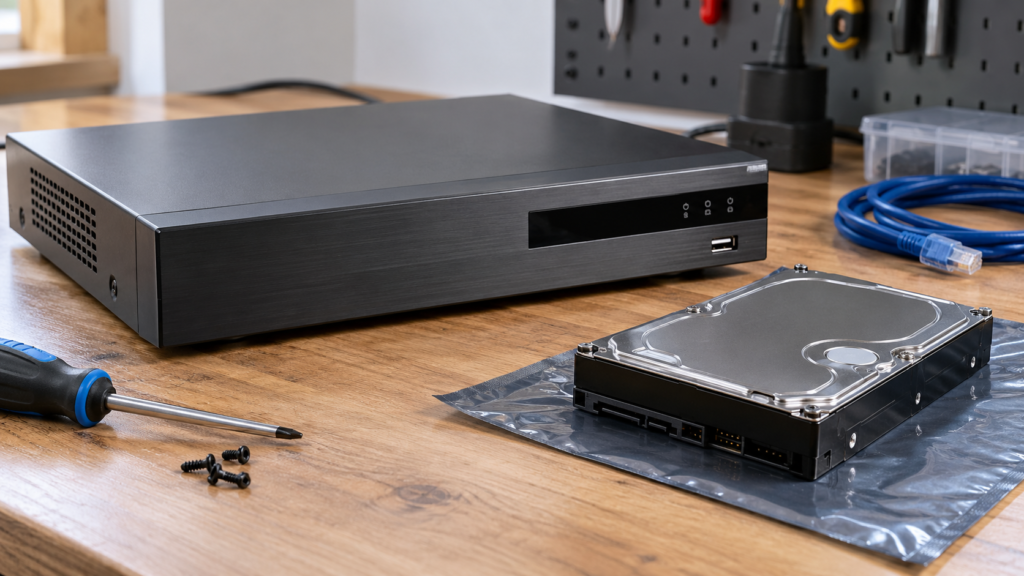
Cloud storage uploads your camera footage to the manufacturer’s servers over the internet. A local NVR (network video recorder) is a box in your home with a hard drive that records your cameras directly.
With cloud cameras, you usually pay a monthly or yearly plan to save and replay video. Most WiFi cameras and video doorbells work this way. With an NVR, cameras are often wired with a single Ethernet cable that carries power and data (PoE). Footage stays on the hard drive until it fills up, then the oldest video is overwritten.
You can still watch both types live on your phone. The real differences are where the video lives, what it costs over time and what happens when something goes wrong.
Cloud vs NVR: side-by-side comparison
Here is how the two options stack up on the things homeowners ask about most.
| Factor | Cloud storage | Local NVR | Hybrid (NVR + cloud) |
|---|---|---|---|
| Where footage lives | Company servers, possibly outside Canada | Hard drive inside your home | Both |
| Ongoing cost | Monthly or yearly subscription | No subscription; one-time hardware cost | Small subscription for backup clips |
| Internet outage | Recording to the cloud stops | Keeps recording | Keeps recording locally |
| Recorder stolen or smashed | Uploaded clips are safe | Footage can be lost | Cloud copy survives |
| Power outage | Stops unless camera, router and modem have power | Stops unless NVR has a battery backup (UPS) | Same as NVR; add a UPS |
| Recording style | Usually motion clips; 24/7 often extra | 24/7 or motion, your choice | 24/7 locally, clips in cloud |
| Privacy control | Depends on the company’s policies | You control access | You choose what goes to the cloud |
| Best for | 1 to 3 cameras, renters, simple setups | 4+ cameras, owners, businesses | Anyone who wants both protections |
Is cloud storage or an NVR more private?
A local NVR is usually more private, because footage never leaves your home. Cloud storage can still be safe if you secure your account well.
Is cloud storage safe for security camera footage?
Cloud storage from a major brand is reasonably safe if you lock down your account. The biggest risk is usually a weak or reused password, not the company’s servers being breached.
The Office of the Privacy Commissioner of Canada gives clear advice in its Privacy Commissioner of Canada tips for securing web-connected cameras. It recommends changing the default password, using a strong password with two-step authentication where possible, keeping firmware updated and securing your home router.
Also think about where your video goes. Cloud footage sits on the provider’s servers, which may be outside Canada. The OPC’s guide on smart devices and your privacy from the Privacy Commissioner of Canada suggests asking a few questions before you buy:
- How long is your video kept?
- Can you delete it yourself?
- Is any data shared with third parties?
- Are you comfortable with the company’s privacy policy?
If the answers make you uneasy, a local NVR keeps footage off third-party servers entirely.
Is a local NVR more private than the cloud?
Yes, in most cases. With an NVR, your recordings stay on a hard drive you own, and nobody else holds a copy unless you share it.
That said, an NVR is only private if it’s set up properly. Change the admin password, update the firmware and don’t expose the recorder directly to the internet. Most modern NVRs use the brand’s phone app for remote viewing, which is safer than opening ports on your router. Whichever you choose, remember that privacy rules also apply to what you record. See our guides on whether security camera audio recording is legal in Canada and where a neighbour’s camera can point.
Want a wired NVR system set up and working on your phone? Get a free quote for your property. WiFi cameras start at $200 for 1 or 2.
Cloud subscription vs one-time NVR cost
Cloud storage costs less up front but adds a bill every month. An NVR costs more on day one but has no required subscription.
As an example, Ring’s Canadian plans (per the Ring Protect plans page, checked September 2026) cost CAD $5.99 a month or $59.99 a year for one doorbell or camera, $14.99 a month or $149.99 a year for all devices at one location, and $29.99 a month or $299.99 a year for the top tier, plus tax. Ring stores motion event videos for up to 180 days.
An NVR is a one-time purchase, and its price depends on the number of channels and hard drive size. Over several years, a system with four or more cameras usually costs less to own than paying for cloud plans, and it records around the clock. Hard drives do wear out eventually, so plan to replace one down the road.
If you want to avoid monthly fees completely, a security camera without a subscription usually means an NVR or cameras that record to a local microSD card.
What happens when the internet or power goes out?
An NVR keeps recording when the internet drops. Cloud-only cameras stop saving video until the connection comes back.
This matters in Canada, where winter storms can knock out service for hours. With a wired PoE system, the cameras talk to the NVR over your home network, not the internet. You just can’t view them remotely until service returns. Some cloud cameras have a microSD slot as a local fallback, so check before you buy.
Power is different. Both setups stop when the power goes out, unless you plan for it:
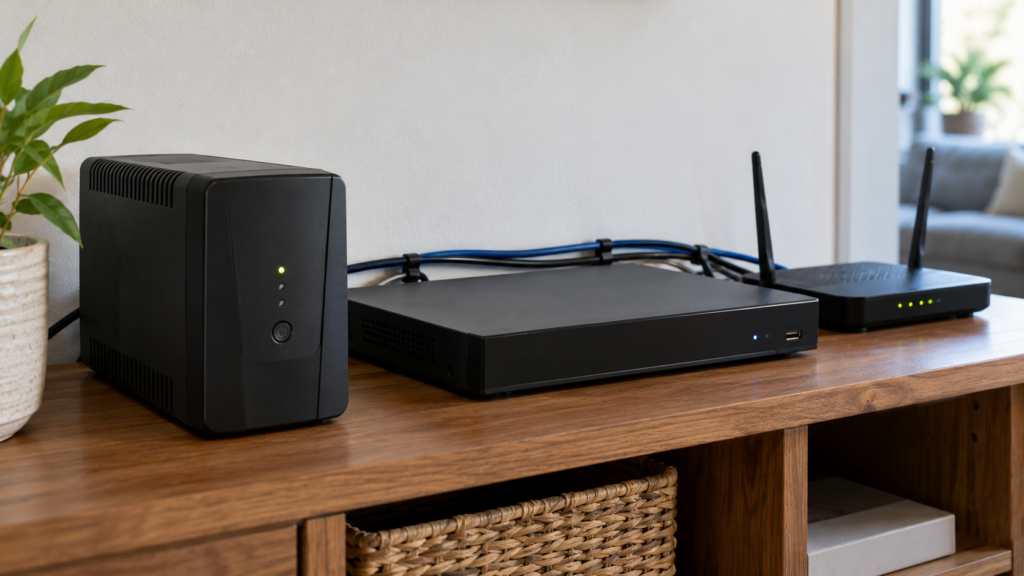
- Put the NVR (and PoE switch, if separate) on a UPS battery backup.
- For cloud cameras, the modem and router also need backup power.
- Battery cameras keep running, but they can’t upload if the WiFi is down.
Cold also affects WiFi and battery cameras more than wired ones. Our guide to PoE vs WiFi security cameras for Canadian winters covers this in detail.
What if a burglar steals the NVR?
If a thief takes or smashes your NVR, the footage on it is gone. This is the main weakness of local-only recording.
You can reduce the risk a lot:
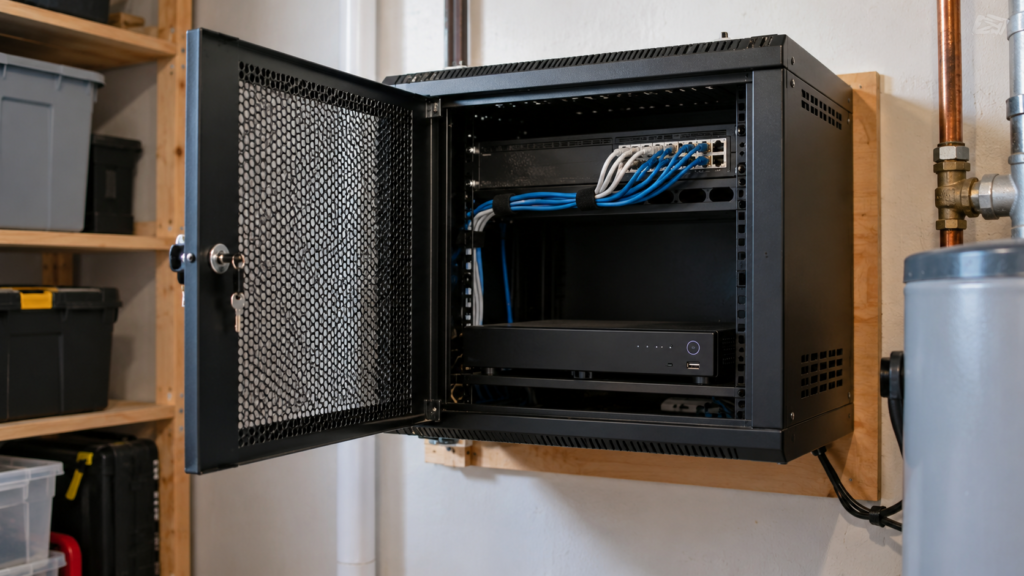
- Hide the NVR in a closet, basement utility room or locked cabinet, not beside the front door or TV.
- Run the cable neatly so it doesn’t point straight to the recorder.
- Turn on phone alerts so you see motion events as they happen.
- Add cloud backup for your most important cameras, such as the front door.
Cloud clips that already uploaded are safe even if the camera itself is ripped off the wall.
Hybrid setups: the best of both
A hybrid setup records everything to a local NVR and sends key clips to the cloud. You get 24/7 recording without a big bill, plus an off-site copy if the recorder is lost.
Common hybrid options include an NVR with an added cloud backup service, or a wired NVR system paired with a cloud-connected video doorbell at the front door. The doorbell covers the highest-risk spot with off-site storage, while the NVR handles the driveway, yard and side doors.
DIY or hire a pro?
Cloud WiFi cameras are a fair DIY project. A wired PoE and NVR system is harder, because it means running cable through walls, attics and exterior siding.
DIY pros: saves labour, and simple WiFi cameras mostly just need a mount and an app. DIY cons: ladder work, drilling through exterior walls, sealing cable entries against Canadian weather, and getting camera angles right.
Pixl installs both wired PoE/NVR systems and WiFi cameras, and setting up the phone app is included. WiFi camera installation starts at $200 for 1 or 2 cameras, before tax. Wired NVR systems are quoted for each property, because the price depends on the number of cameras, the cable runs and your walls, and the quote is free. Our licensed technicians carry $5 million in general liability insurance, and you pay after the job is done.
Not sure which storage fits your home? Book a security camera installation with Pixl and we’ll help you choose cloud, NVR or hybrid. Running a shop or office? See Pixl for businesses, or call or text (587) 899-7495.
Frequently asked questions
Is cloud storage or NVR better for home security?
An NVR is better for 24/7 recording, privacy and no monthly fees. Cloud storage is better for protecting footage if the recorder is stolen. Many homes get the best result from a hybrid of both.
Does an NVR work without internet?
Yes. An NVR records your cameras over your home network, so it keeps recording during an internet outage. You just can’t view the cameras remotely on your phone until the connection returns.
Can I use security cameras without a subscription?
Yes. An NVR system or cameras that record to a microSD card work without a paid plan. Some cloud brands limit features like video history without a subscription, so check before you buy.
What happens to my cameras during a power outage?
Wired cameras and the NVR stop unless they are on a UPS battery backup. Cloud cameras also need the modem and router powered to upload video. Battery cameras keep running but can’t upload without WiFi.
Can hackers get into my NVR or cloud account?
Either can be breached if the password is weak. Change default passwords, use two-step authentication, keep firmware updated and secure your router, as the Privacy Commissioner of Canada recommends.
How long does an NVR store footage?
It depends on the hard drive size, the number of cameras, resolution and whether you record 24/7 or motion only. When the drive is full, the NVR overwrites the oldest footage automatically.
Related camera guides: giving police your camera footage and security cameras at work. Written by the Pixl Canada install team: licensed technicians with $5 million liability insurance, installing TVs, security cameras, smart home devices and appliances across Canada.
Related articles