
To connect a projector to a laptop, plug an HDMI cable (or a USB-C to HDMI adapter) from the laptop into the projector, select that input on the projector, then choose Duplicate or Extend in your display settings. On Windows press the Windows key and P. On a Mac, open System Settings, then Displays. If there is no picture, check the input source, try a different cable or port, and lower the resolution. Wireless casting also works if both devices support it.
PCBy the Pixl Canada install team. Updated . 6 min read.
- Four ways to connect, compared
- Windows and Mac steps
- Fixes for “no signal”
- Permanent installs: market ranges
- HDMI is the simplest and most reliable connection.
- Laptops with only USB-C need a USB-C to HDMI adapter or a cable that carries video.
- Pick Duplicate to show the same screen, or Extend to use the projector as a second screen.
- No picture is usually the wrong input, a loose cable or a resolution the projector cannot show.
What are the ways to connect a projector to a laptop?
| Method | What you need | Best for | Watch out for |
|---|---|---|---|
| HDMI cable | HDMI port on both | Most setups, best picture and sound | Long cables may need a booster |
| USB-C to HDMI | An adapter or a USB-C to HDMI cable | Thin laptops with no HDMI port | The USB-C port must carry video |
| VGA | VGA cable (older projectors) | Older gear | No sound, lower quality |
| Wireless casting | A projector with casting, or a streaming stick | Presentations without cables | Lag, and not ideal for video games or fast video |
How do you connect a projector to a Windows laptop?
- Power on the projector and connect the cable.
- Select the matching input on the projector, such as HDMI 1.
- Press the Windows key and P on the laptop.
- Choose a mode: Duplicate shows the same screen, Extend adds a second screen, Second screen only turns off the laptop display.
- Check the sound output. Select the projector or speakers in the volume menu if you want audio through it.
How do you connect a projector to a Mac?
- Connect the cable or adapter and select the projector input.
- Open System Settings, then Displays.
- Choose the projector, then use Mirror for display or Use as extended display.
- Set the resolution to one the projector supports if the picture looks wrong.
What if the projector shows no signal?
| Problem | Fix |
|---|---|
| Wrong input selected | Cycle through the projector’s inputs until the picture appears |
| Loose or damaged cable | Reseat both ends or try another cable |
| Laptop is not sending video | Press Windows+P and choose Duplicate |
| Resolution too high | Lower it to the projector’s native resolution |
| USB-C port without video | Use a port marked for video (Thunderbolt or DisplayPort), or a different adapter |
| No sound | Set the audio output to HDMI or the projector |
What about a permanent projector setup?
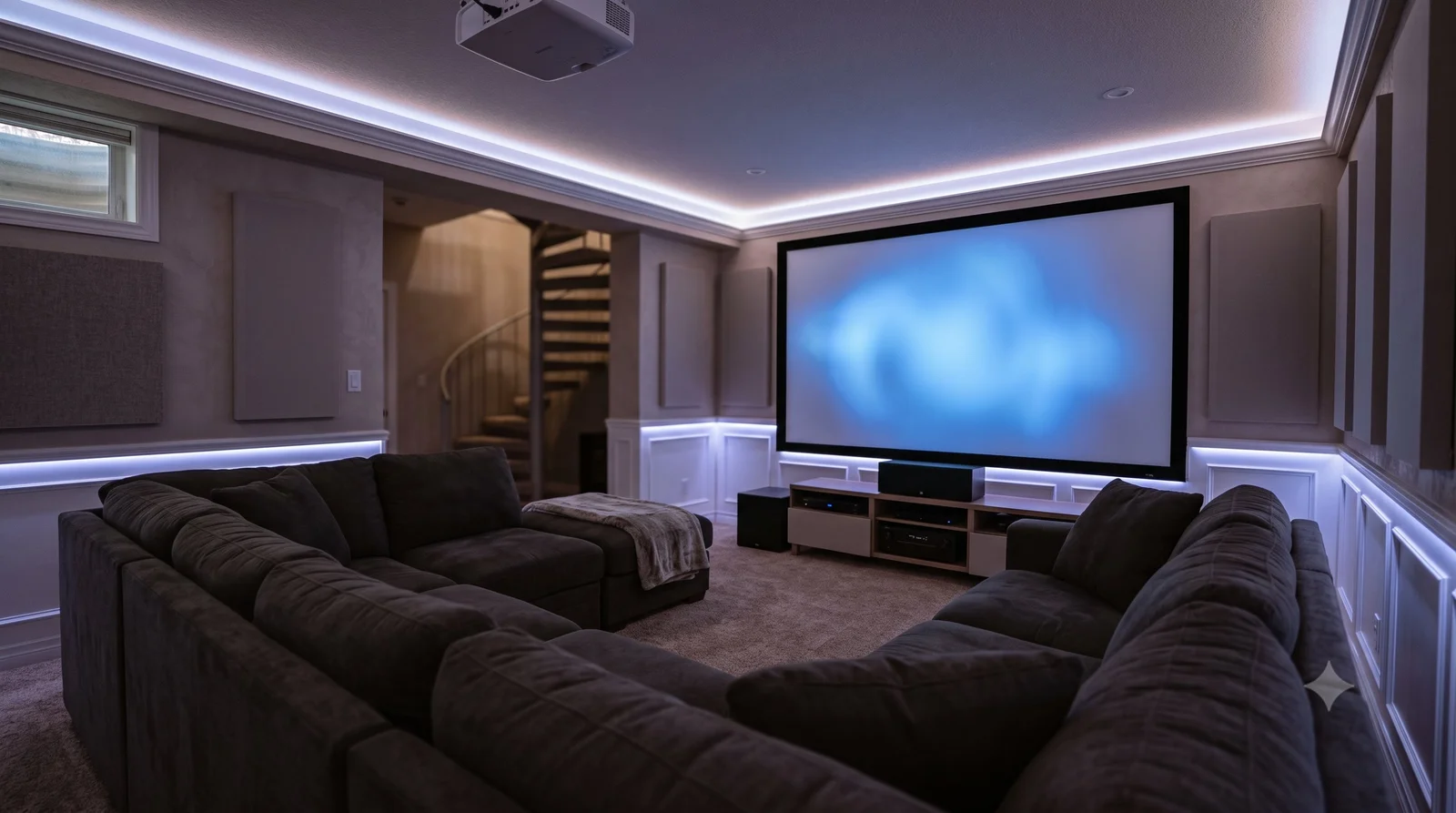
For a room you use every week, a ceiling mount and hidden cable look much cleaner than a laptop on a table. Projector and screen installation is not on a posted Pixl price list, so these are market ranges: about $150 to $450 to mount and align a projector, $300 to $900 with a screen, and $1,200 to $4,000 for a full system with concealed wiring. We confirm a fixed price from photos. See projector installation and home theatre installation cost.
Connecting a projector to a laptop: frequently asked questions
How do I connect my laptop to a projector?
Connect an HDMI cable (or a USB-C to HDMI adapter) from the laptop to the projector, select that input on the projector, then choose Duplicate or Extend in your display settings.
Why is my projector not showing my laptop screen?
Usually the wrong input, a loose cable, or the laptop not sending video. Press Windows+P and choose Duplicate.
Can I connect a projector to a laptop without HDMI?
Yes, with USB-C video, VGA on older gear, or wireless casting if both devices support it.
How do I get sound through the projector?
Set your laptop’s audio output to the projector or HDMI. Some projectors have weak speakers, so you may prefer a soundbar.
Does the cable length matter?
Yes. Long HDMI runs can lose signal, so use a good cable or a booster for long distances.
Can Pixl install a projector?
Yes. Send photos of the room to (587) 899-7495 and we confirm a fixed price. You pay after the job.
Want a clean permanent projector setup?
Send photos of the room. We confirm a fixed price before we book. You pay after the job.
Custom home theatre
What is HDMI ARC?
TV wall mounting in Canada
Projector vs TV for a home theatre
Fixed vs motorized projector screens
Projector buying guide by room and screen
Sources and method. General guidance from Microsoft and Apple display settings. Menus vary by version, so check your device. Cost ranges are market estimates from published North American guides, not Pixl prices. Canadian dollars, before tax.
About Pixl Canada. Pixl Canada is an installation company based in Edmonton, Alberta, serving cities across Canada with TV mounting, security cameras, appliance installation and smart home setup. Call or text (587) 899-7495. Open Monday to Saturday 8am to 8pm and Sunday 9am to 7pm.