
Business security · 5 min read · updated oct 2026
Retail Store Security Camera Placement: Where Each Camera Goes
By the Pixl Canada install team
Quick answer
In a small retail store, put cameras where people enter, pay, handle stock and leave: the front door at face height, the till, the stockroom and loading door, the sales floor and the parking or storefront. Keep cameras out of washrooms, fitting rooms and staff change areas, post a sign at the entrance and keep audio off.
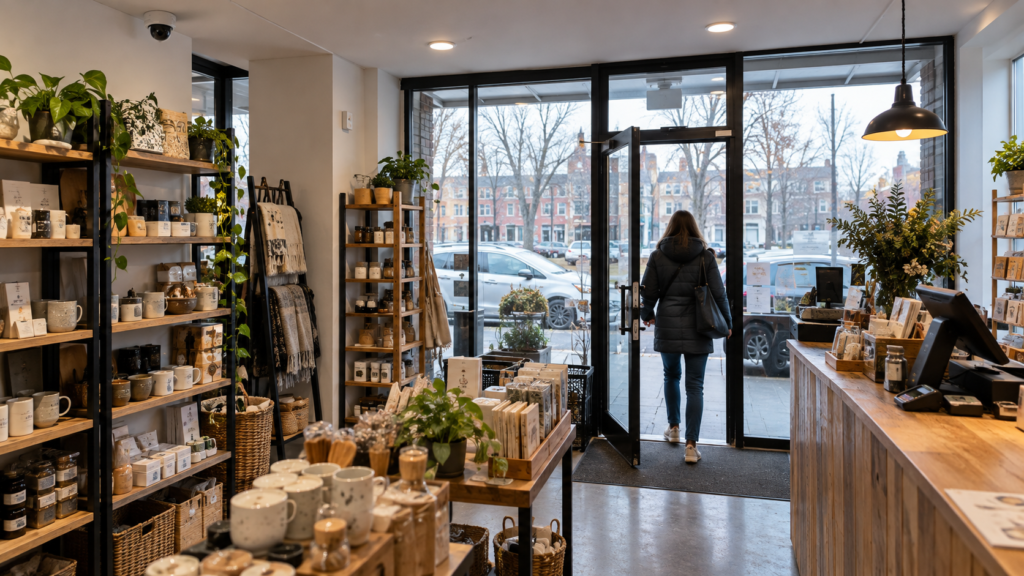
Get a free walkthrough and a written quote for your store camera system. You pay after the job. See Pixl for businesses
On this page
The eight places a store camera usually belongs
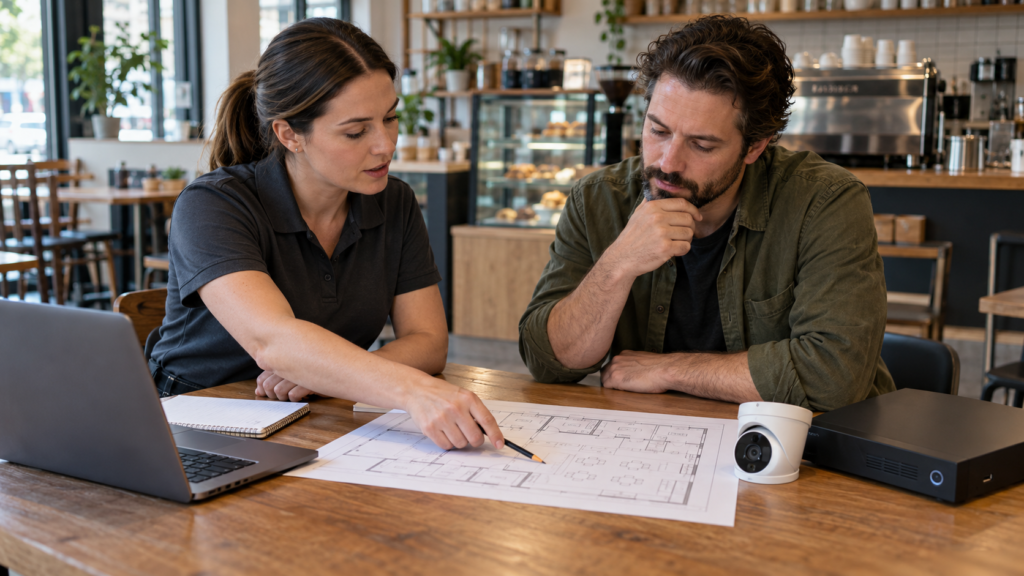
Start with where losses and disputes happen, not with how many cameras fit in the budget. Walk the store from the front door to the back door and mark each point below on a floor plan.
| Position | What it should capture | Privacy and practical notes |
|---|---|---|
| 1. Front door, inside | Each person’s face as they enter | Mount at about face height facing the door, and avoid backlight from the glass |
| 2. Till or counter | The transaction area and the cash drawer | Frame the counter, not the whole staff room |
| 3. Sales floor | Aisles and high-value displays | Cover blind spots at corners and behind tall shelves |
| 4. Stockroom | Inventory shelves and the door | Tell staff, and limit who can view the footage |
| 5. Back door or loading door | Deliveries and after-hours entry | Good lighting matters more here than at the front |
| 6. Storefront and sidewalk | Window break-ins and loitering | Keep the view on your own frontage |
| 7. Parking lot | Vehicle access and customer parking | Check how much of a neighbour’s lot the camera sees |
| 8. Office or safe room | Where cash and records are kept | Limit access to the footage from this room |
Where not to put a camera
The Office of the Privacy Commissioner of Canada says cameras should not be aimed at places where people have a heightened expectation of privacy and that video surveillance in washrooms is inappropriate. Treat fitting rooms and staff change areas the same way. Read the OPC guidelines for overt video surveillance and our guide to security cameras at work.
- Washrooms and fitting rooms.
- Staff change areas and lockers.
- Break rooms, unless there is a specific reason and staff are told.
- A neighbour’s windows or doors.
Cameras that suit a store
- Dome cameras are discreet and work well inside, where a vandal cannot easily reach them.
- Bullet cameras are easy to aim at a door or lot and show customers that cameras are in use.
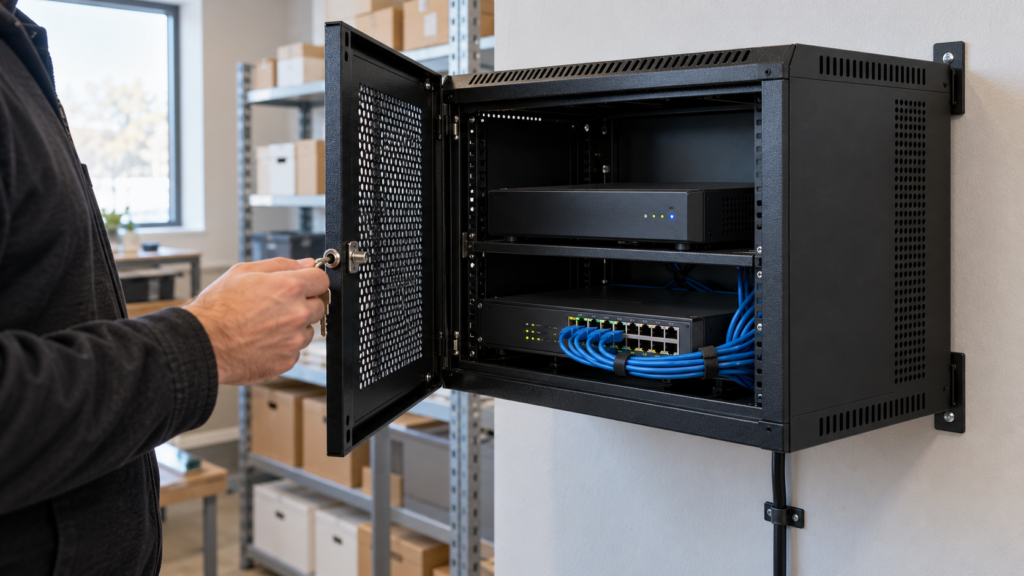
- Wired PoE cameras carry power and video on one cable and are the usual choice for stores with a recorder. See NVR vs DVR.
- Wide-angle views cover a room, but a wide image shows less detail at a distance, so add a second camera where you need faces or plates.
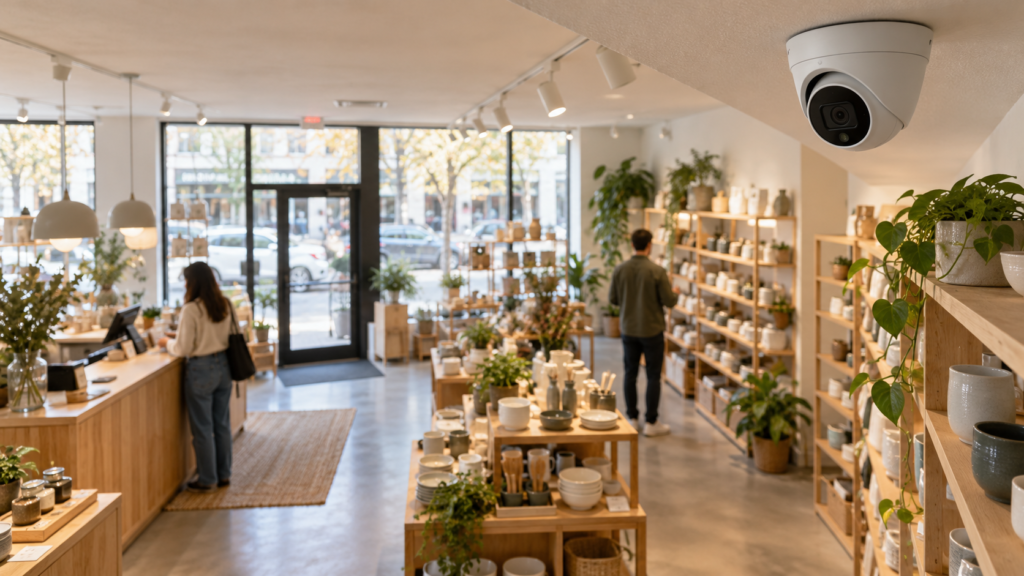
Get a free walkthrough and a written quote for your store camera system. You pay after the job.
Lighting, height and angle
- Mount high enough to avoid tampering, but low enough to see faces. A steep downward angle shows the top of heads.
- Avoid glare. A camera that faces a window or bright door can turn a person into a silhouette.
- Light the entrances. A dark back door gives poor video whatever the camera.
- Check at night. Test every position after closing time before you accept the install.
Signs, storage and access
Post a clear sign at each entrance, tell staff in writing, keep footage on a recorder with a password and limit who can view or export it. Keep recordings only as long as you need them and write the period down. See do you need a security camera sign in Canada and giving police your camera footage.
Example layouts for three store types
| Store type | Priority views | Extra care points |
|---|---|---|
| Convenience or corner shop | Front door, till and cigarette or high-value display, back door | Long opening hours mean the night view of the door matters |
| Clothing or gift boutique | Entrance, till, sales floor corners, stockroom | Keep cameras away from fitting rooms and mirrors that face them |
| Cafe or restaurant | Front door, till, kitchen back door, storage | Avoid cameras in staff change areas and washrooms |
Mistakes we see in store installs
- One wide camera for the whole shop. It shows the room but not faces. Add a second view where identification matters.
- A camera that faces the front window. Daylight turns people into silhouettes. Mount it to face away from the glass.
- No night test. Test every camera after closing time.
- Nobody owns the recorder. Name one person who is responsible for access, retention and exports.
- Old footage kept forever. Set a retention period and delete on schedule.
- No sign. Notice is expected where cameras monitor customers and staff.
A simple store camera checklist
- Draw the floor plan and mark the eight positions above.
- Decide what each camera must capture: a face, a transaction, a door or a general view.
- Choose the recorder, the storage period and who has access.
- Plan signs and the staff notice.
- Agree how the install will be tested, including a night check and an export test.
When you compare quotes, use our business security camera quote checklist so each bidder prices the same views.
Get a store system planned and installed
We walk the space with you, plan each camera position, install and test the system, and send a written quote. Business camera systems always get a free custom quote, and you pay after the job. See Pixl for businesses and our business security camera system guide.
Frequently asked questions
How many cameras does a small store need?
It depends on the layout. A small shop often needs cameras at the entrance, till, sales floor, stockroom and back door, plus one covering the storefront or lot. Plan by views you need, not by a number.
Where should the camera at the front door go?
Inside, at face height, facing the door. Avoid a position where the bright glass makes faces dark.
Can I put a camera in a fitting room?
No. Cameras in fitting rooms, washrooms and change areas are inappropriate and can create serious legal problems.
Do I need a sign in my store?
Yes, businesses are expected to give notice before people enter a camera-monitored area. Post a clear sign at each entrance.
Should the cameras record audio?
Usually not. Privacy guidance says sound should not be recorded without a specific need, and recording private conversations can break the Criminal Code.
How much does a store camera system cost?
It depends on the number of cameras, cable routes and recording needs. We give business systems a free custom quote after a walkthrough, and you pay after the job.
This guide is general information. Privacy rules for employees and customers vary by province, so ask a lawyer about your specific setup.
Ready to book? Get a free walkthrough and a written quote for your store camera system. You pay after the job.
Written by the Pixl Canada install team: licensed technicians with $5 million liability insurance, installing TVs, security cameras, smart home devices and appliances across Canada.
Keep reading
Business camera quote checklist
Compare quotes fairly
Cameras at work: employee privacy
Rules for employers
NVR vs DVR
Which recorder to choose