
Why audio recording on your security camera is a federal crime
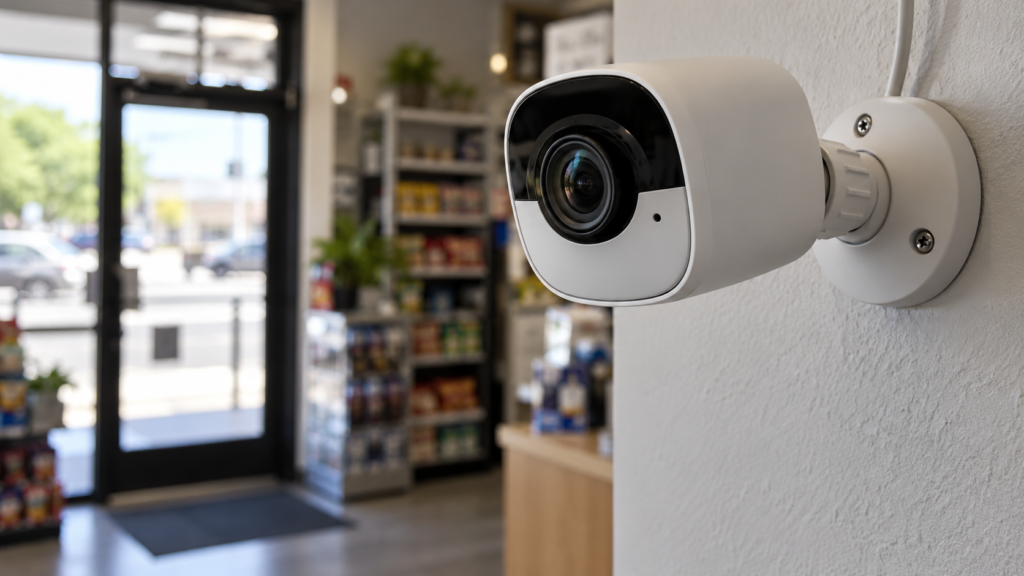
Most people buying a security camera think about resolution, night vision, and storage. Almost nobody thinks about the microphone — but in Canada, that microphone is the part of the camera most likely to get you into legal trouble. Here’s the specific law, what it actually covers, and how to set up your camera so it never becomes a problem.
The law: Criminal Code section 184
Section 184(1) of the Criminal Code is direct: anyone who, by means of any electro-magnetic, acoustic, mechanical, or other device, knowingly intercepts a private communication is guilty of an indictable offence, liable to up to five years in prison.
Canada runs on one-party consent. Section 183.1 confirms that if either person in the conversation consents to being recorded, that’s enough — you don’t need both parties to agree. The problem is the reverse case: if you’re not part of the conversation at all, and neither person speaking consented, capturing that audio can be the offence section 184 describes.
Why this applies to your doorbell camera
Doorbell cameras are the most common place this comes up, because they’re always listening on a public-facing spot where conversations naturally happen — two neighbours chatting at the end of your driveway, a delivery driver on the phone, friends saying goodbye on the sidewalk. None of those people are talking to you or aware your device might be recording their voices.
The camera doesn’t need to be pointed at them intentionally. If the microphone picks up the conversation because they happen to be standing near your door, the same legal question applies.
Video vs. audio: very different legal standards
Video and audio are not treated the same way, and that distinction matters more than most camera buying guides let on. Video of a public sidewalk generally doesn’t carry the same expectation of privacy that a private conversation does — people expect to be seen in public. Audio is different: a conversation, even one happening on a public sidewalk, can still be “private” in the legal sense if the people speaking didn’t expect to be overheard and recorded.
Section 162 of the Criminal Code adds a related but separate concern: voyeurism. Pointing a camera at a space where someone has a reasonable expectation of privacy — a neighbour’s window, an enclosed backyard — can cross a line on its own, independent of anything to do with audio.
How to stay on the right side of this law
None of this means you can’t run a security camera with sound. It means being deliberate about where the microphone is active.
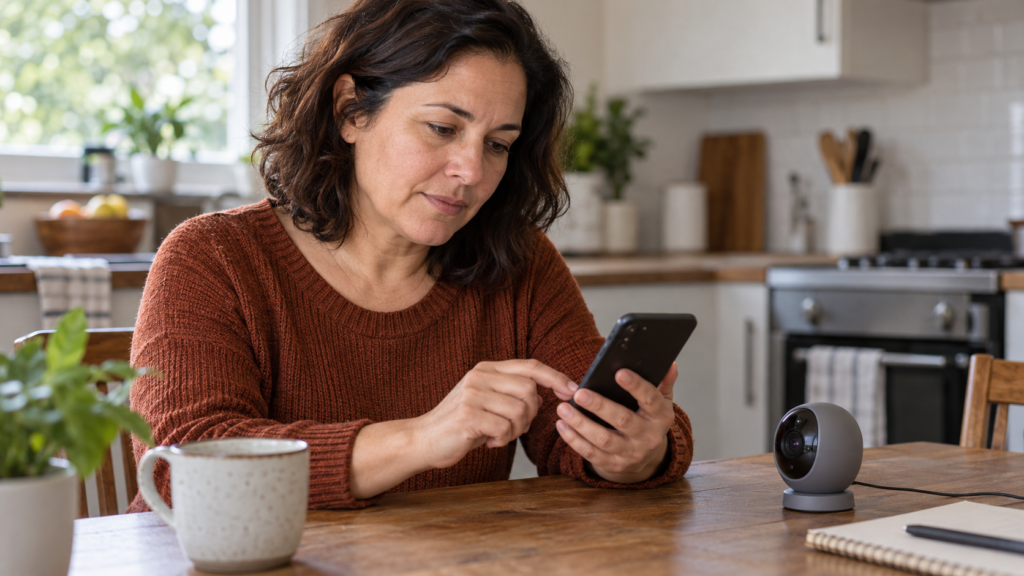
Disable audio recording on cameras covering public-facing areas — the sidewalk, the driveway, the front step — where conversations between other people are likely to happen. Keep audio on for cameras covering your own private space, like an interior hallway or your own backyard, where the privacy calculus is different. Check your camera app’s audio settings specifically — most consumer systems record audio by default, and the toggle to turn it off is usually separate from the video settings.
If your install includes multiple cameras, it’s worth reviewing this zone by zone rather than applying one blanket setting to the whole system.
What if my camera already recorded something?
If a camera has already recorded a conversation you’re unsure about, the safest move is the same as with any legal question: don’t act on it or share it until you’ve spoken with a lawyer about your specific situation. Deleting evidence can carry its own risks depending on context, so getting advice first — not guessing — is the right call.
Want a security camera system set up the right way from day one?
Frequently asked questions
Video alone is generally lower-risk than audio, since public-facing areas carry a lower privacy expectation. It becomes more complicated if the camera also captures private conversations, or if it’s angled toward a neighbour’s window or yard.
If the recording captured a conversation you weren’t part of and no one consented, using or sharing it could carry legal risk of its own. Speak with a lawyer before relying on it.
Most consumer doorbell and camera systems do, and the audio toggle is often buried separately from video settings. Check your specific app.
No — on virtually every consumer system, audio and video are controlled by separate settings. You can keep full video recording while disabling the microphone.
Section 184 is federal Criminal Code and applies the same way across Canada. Quebec layers additional provincial privacy obligations (Law 25) on top of it for businesses, but the federal audio-interception rule doesn’t change by province.