
Pixl installs security cameras and CCTV systems for offices, clinics, salons and professional spaces. We plan the views around reception, entrances, parking and the records or server room, keep employee and client privacy in mind, send a written quote after a walkthrough, and you pay after the job.
Cards, e-transfer or cash
Mon–Sat 8am–8pm · Sun 9am–7pm
$5M general liability insurance
Remote viewing set up for you
Tell us about your business and what you want to cover. We reply with a free written quote after a short walkthrough. You can also call or text (587) 899-7495.
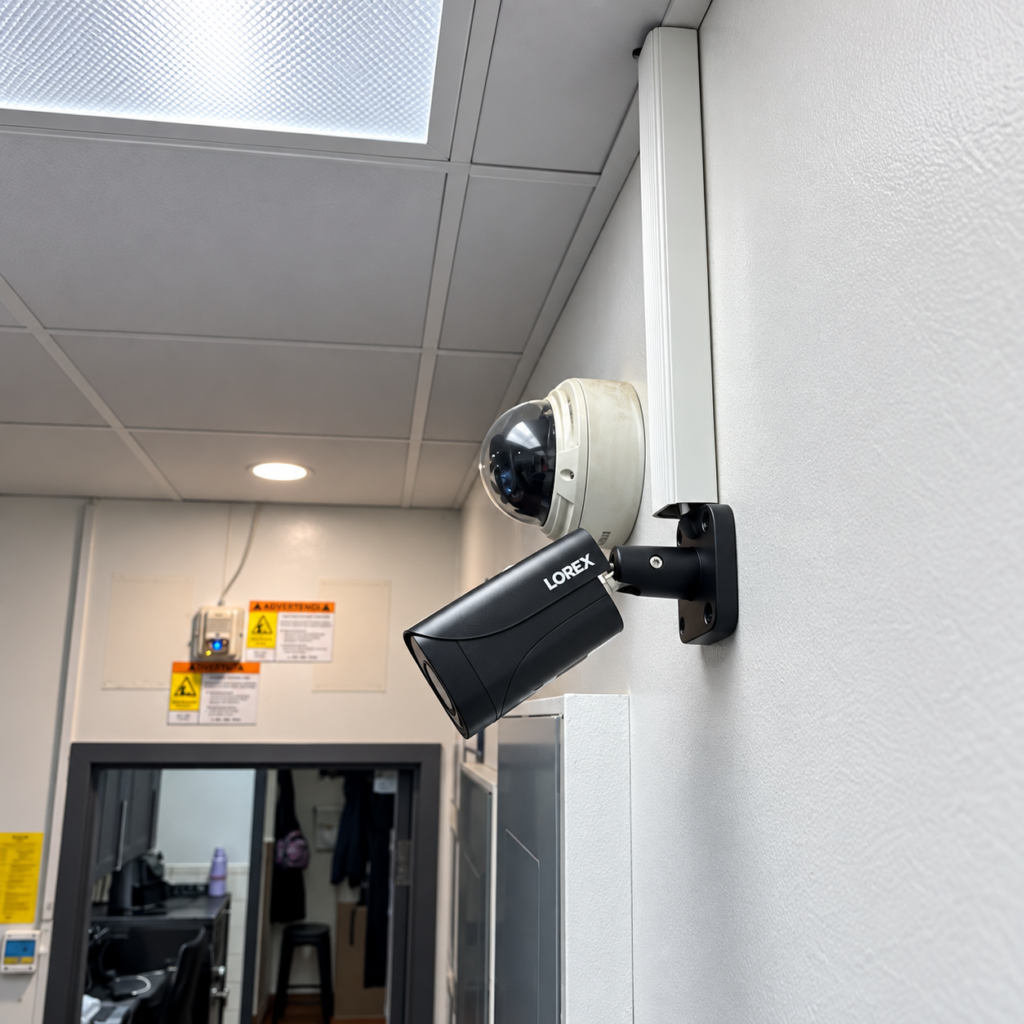
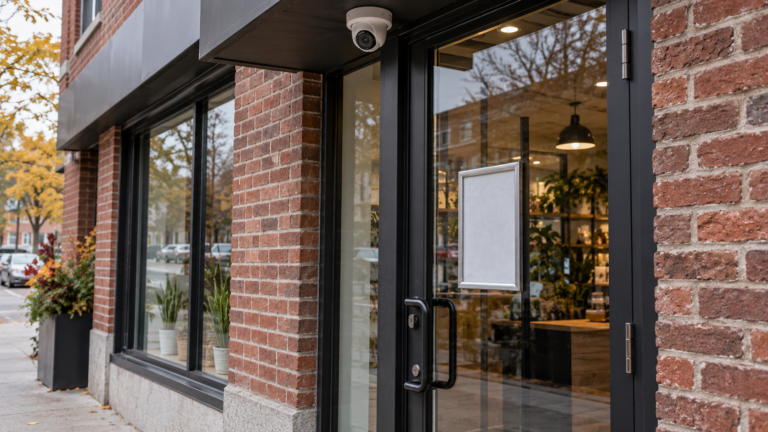
Most offices use wired PoE (CCTV) IP cameras that record to an NVR in a locked room or cabinet, because the network is already there and one cable carries power and video. Discreet dome cameras suit reception and corridors. In a shared building, we also look at who controls the ceiling space and the cable route. Client-facing spaces call for extra care, so we aim cameras at entrances and the front desk rather than at workstations.
More stable, and ideal for long-term use or larger properties.
Easier to install, and good for smaller spaces or rentals.
| Camera position | What it should capture | Practical note |
|---|---|---|
| Main entrance | Each person entering or leaving | Avoid backlight from glass doors |
| Reception | The front desk and waiting area | Frame the desk and the entrance, not client conversations |
| Back or staff door | After-hours access and deliveries | Light the door and limit who can view this footage |
| Parking lot | Vehicle access and break-ins | Check how much of a neighbour’s lot the camera sees |
| Server or records room | The door and the equipment | Limit access to this footage to named managers |
| Corridors and stairwells | Movement between floors | Keep to common areas; avoid washrooms and change rooms |
Security camera installation cost
An office or clinic camera system is quoted after a walkthrough, because the price depends on the number of positions, the ceiling and cable routes, and the recorder. A small clinic and a multi-floor office are different jobs, so we do not publish a package price. The quote is free and in writing, and you pay after the job. One or two WiFi cameras in a small space start at $200 before tax.
From $200 for 1 or 2 cameras, before tax. A good fit for condos, rentals and smaller homes.
Free custom quote. We price it for your property once we know the layout, the cable routes and the walls.
What changes the price of a business camera system:
Use our Business security camera quote checklist to compare quotes, and our Security cameras at work: employee privacy guide before you decide what to film.
Canadian dollars, before tax. Equipment is listed separately in your quote.
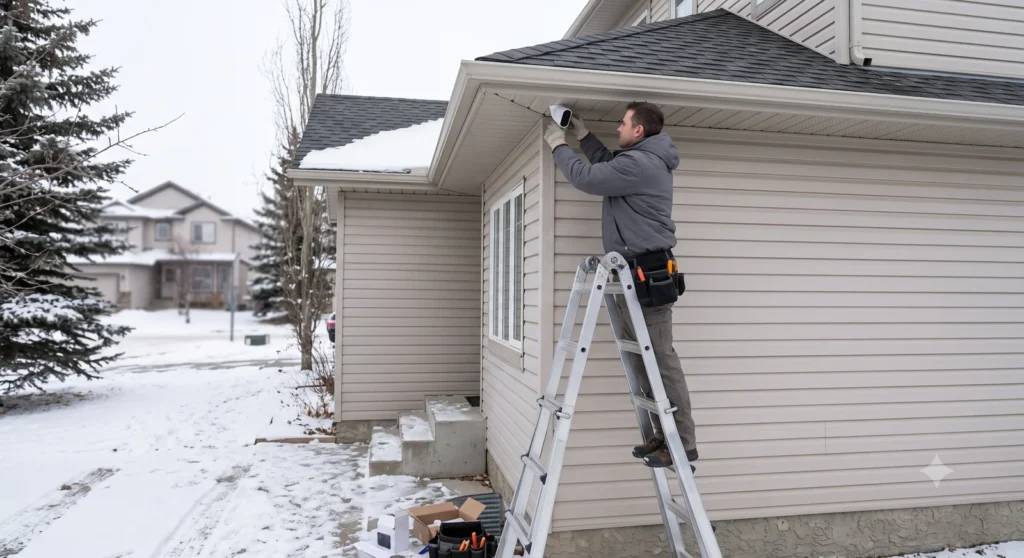
We mount each camera, run and hide the cable, power the cameras through PoE, set up the recorder in a locked room or cabinet, and connect remote viewing for named managers. We can supply the equipment or install cameras you already own.
Before we leave, we set up separate access for the owner and managers, test live view and playback with you, and walk you through export. We work with Hikvision, Reolink, Dahua, Lorex and TP-Link Tapo.
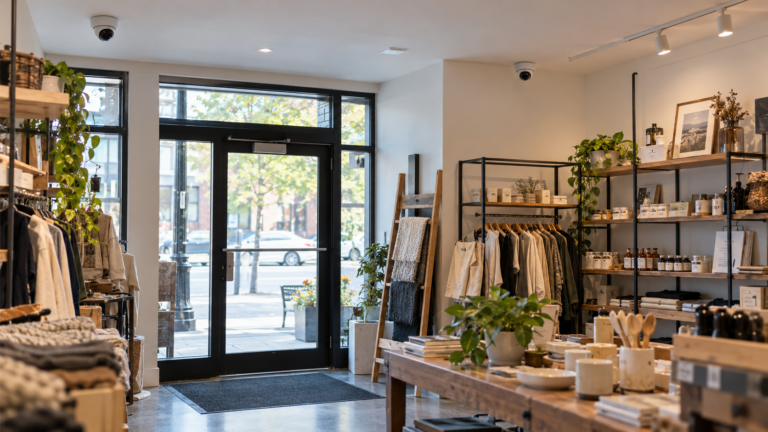
Offices and clinics have more privacy considerations than a shop or warehouse. These are the layouts we plan most often.
Entrance, reception, back door and parking, with the records room covered and access limited.
Entrance, reception and parking only. Treatment rooms and client areas are left unfilmed.
Entrance, till and the back door, with fitting and treatment areas kept clear.
Check the landlord’s rules, and keep views on your own suite and its frontage.
Entrances and common areas, with written notice to members.
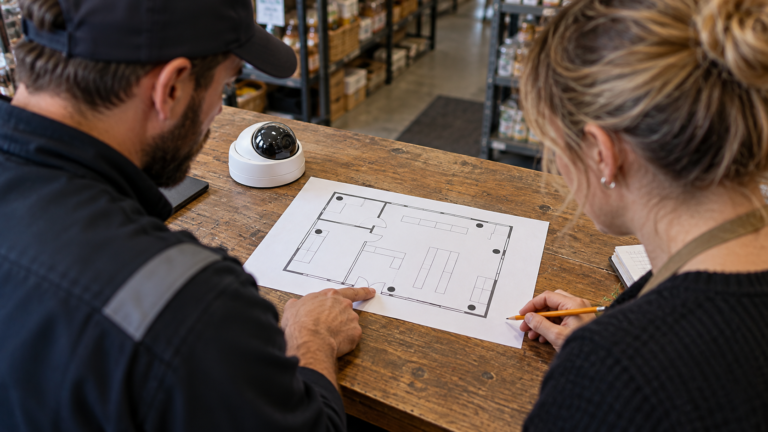
Walk the space from the front door to the back door and mark each point on a plan. Start with where losses and disputes happen, not with how many cameras fit the budget. Keep cameras out of washrooms, change rooms and similar areas, post a clear sign and tell staff in writing.
See each person entering or leaving.
The front desk and waiting area, not client conversations.
After-hours access, with lit doors and a view of your own lot.
Common areas only; no washrooms or change rooms.
The door and the equipment, with named managers only.
Trustindex verifies that the original source of the review is Google. Carlos was very fast and efficient. I was amazed by how quickly he mounted my tv. Thank you!!Trustindex verifies that the original source of the review is Google. I had an amazing experience with this installer and couldn’t be happier with the work. He installed three TVs for me, added lighting behind them, set up a sound bar, handled wall concealment, and even helped with mounting wall pictures. Everything looks clean, professional, and perfectly done. What really stood out was his patience and commitment. One of my TVs arrived cracked, and he had to wait over a month until I replaced it. Despite that, he came back without any issues and completed the job just as promised. Truly outstanding service from start to finish. I would definitely give 5 stars—honestly, even more if it were possible. Highly recommend!Trustindex verifies that the original source of the review is Google. I had a fantastic experience with Carlos. He was prompt, professional, and incredibly careful with my walls and electronics. The TV was level and securely mounted. Pricing was fair and upfront. Highly recommend!Trustindex verifies that the original source of the review is Google. Mateen did great work and acted very professional while he was here very friendly and very easy to work withTrustindex verifies that the original source of the review is Google. Very impressed with the same day quick response and service. Tech was knowledgeable and friendly. Well priced, would highly recommend. Thank you!Trustindex verifies that the original source of the review is Google. My tv was hung on the wall professionally and with a reasonable price. He took pride in his work and kk very pleased. Highly recommend !Trustindex verifies that the original source of the review is Google. Knowledgeable and courteous technician. Was done in under 30 minutes. They know their stuff.Trustindex verifies that the original source of the review is Google. Service was top notch. Quick,efficient,steady. Services was 20 minuteszTrustindex verifies that the original source of the review is Google. Update: The TV sags to the left. I tried reaching out to see if anything can be done but nothing ever came of it. Would you kindly get in touch with me please? I would appreciate having a tech come out to assess the situation. Initial review: Very quick, very accurate work. The price is right too. I can recommend this service easily. If any issues arise they work with you. I'm happy, the tv is happy, the dog is happy. 10/10.Trustindex verifies that the original source of the review is Google. The pixl team super professional, easy to deal with, quick response times. Beyond happy with the install process. Would definitely recommend.
An office install takes three steps: a walkthrough, a written quote, and an install with a handover. You pay only after the system works.
1
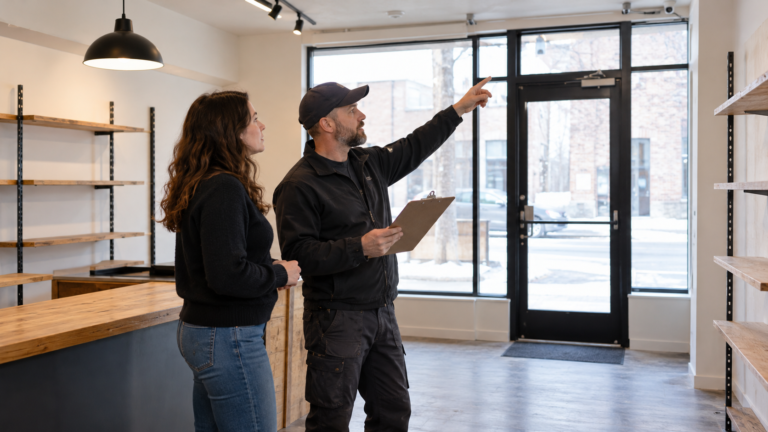
Call, text or use the form. We walk the office from the front door to the back door and mark each camera view and cable route.
2
You get a written quote listing cameras, recorder, storage, cable work and tax, free and with no commitment.
3
We install, set up owner and manager access, test every view and show you playback. You pay after it works.
It depends on the number of cameras, the cable routes, the recorder and storage, and how the building is built, so every business system is quoted after a walkthrough. The quote is free and in writing, and you pay after the job. One or two WiFi cameras in a small space start at $200, before tax.
Yes, for a real business purpose such as security or protecting cash, if you tell employees and clients, keep cameras out of washrooms and change rooms, and limit who can view footage. Be careful with cameras that watch employees at their desks. See our guide to security cameras at work and employee privacy.
No. In clinics, salons and similar spaces, keep cameras to entrances, reception, parking and common areas, and leave treatment and fitting rooms unfilmed.
Usually yes for anything outside your suite or in shared ceiling space. We check cable routes and mounting during the walkthrough and list anything that needs approval in the written quote.
Only people you name. We set up separate owner and manager accounts and show you how to review and export footage, so access stays under your control after handover.
Yes. We set up remote viewing on your phone, tablet or computer, test live view and playback with you, and show you how to review footage before we leave.
You pay after the job is done, by card, e-transfer or cash. The written quote comes first, so there are no surprises.
Related
We also install cameras for stores, restaurants and warehouses, and we have local pages across Canada.
See every city on our service areas page.
From our blog

Explore
Tell us about your property, or call or text (587) 899-7495. You pay after the job.